

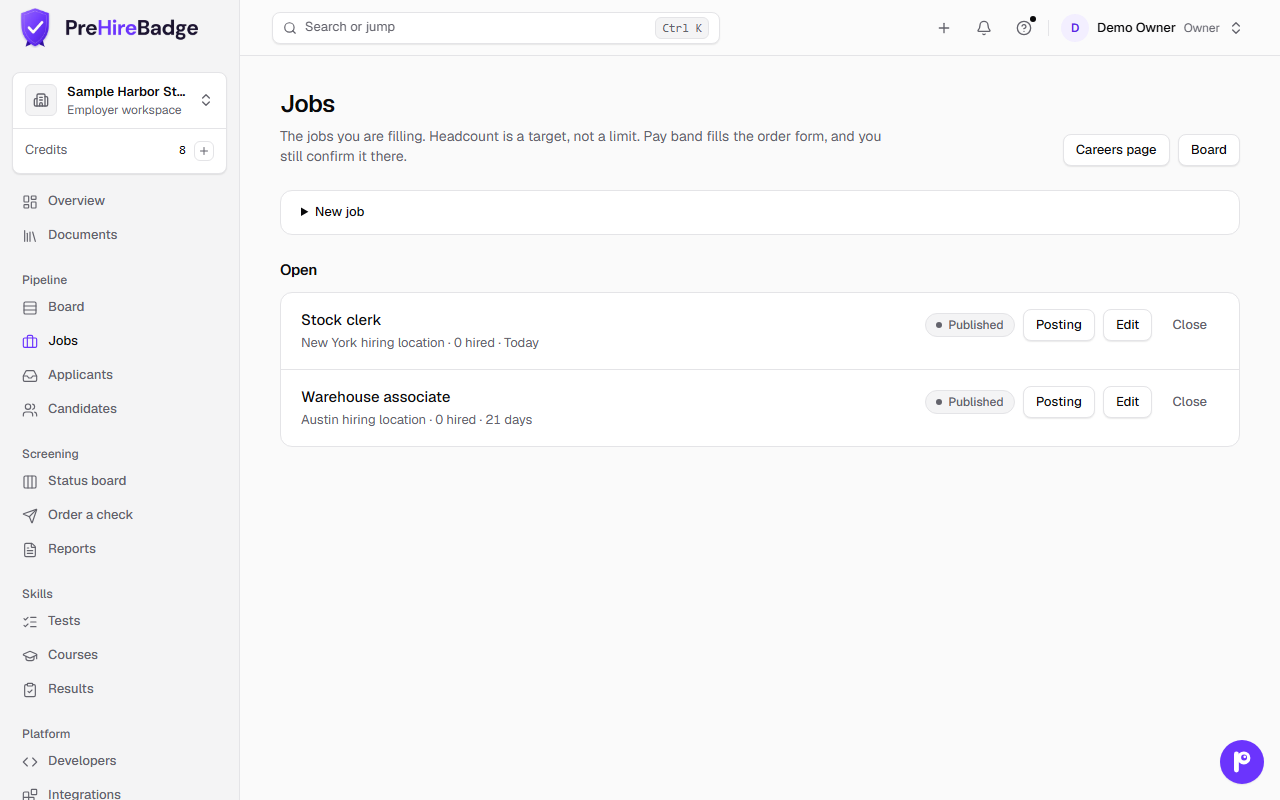
Open Jobs, then Posting for an opening. Write the posting from scratch or start from a draft.
The posting check runs before you can publish. Blocks stop Publish until you fix them. Warnings do not block publish; review them anyway.
Pay ranges
When a pay range is required for the role or location, add it in the posting. The posting check treats a missing required range like a block.
When you are ready, click Publish. Only a person who presses Publish makes the posting public.
The closing date defaults to 60 days from publish unless you choose another date.
Unpublish a posting, or close the job, to remove its public page.
Google for Jobs indexing can take several days and is not guaranteed.
See also Hiring pipeline, Careers page and embed, and Fair-chance job postings.