

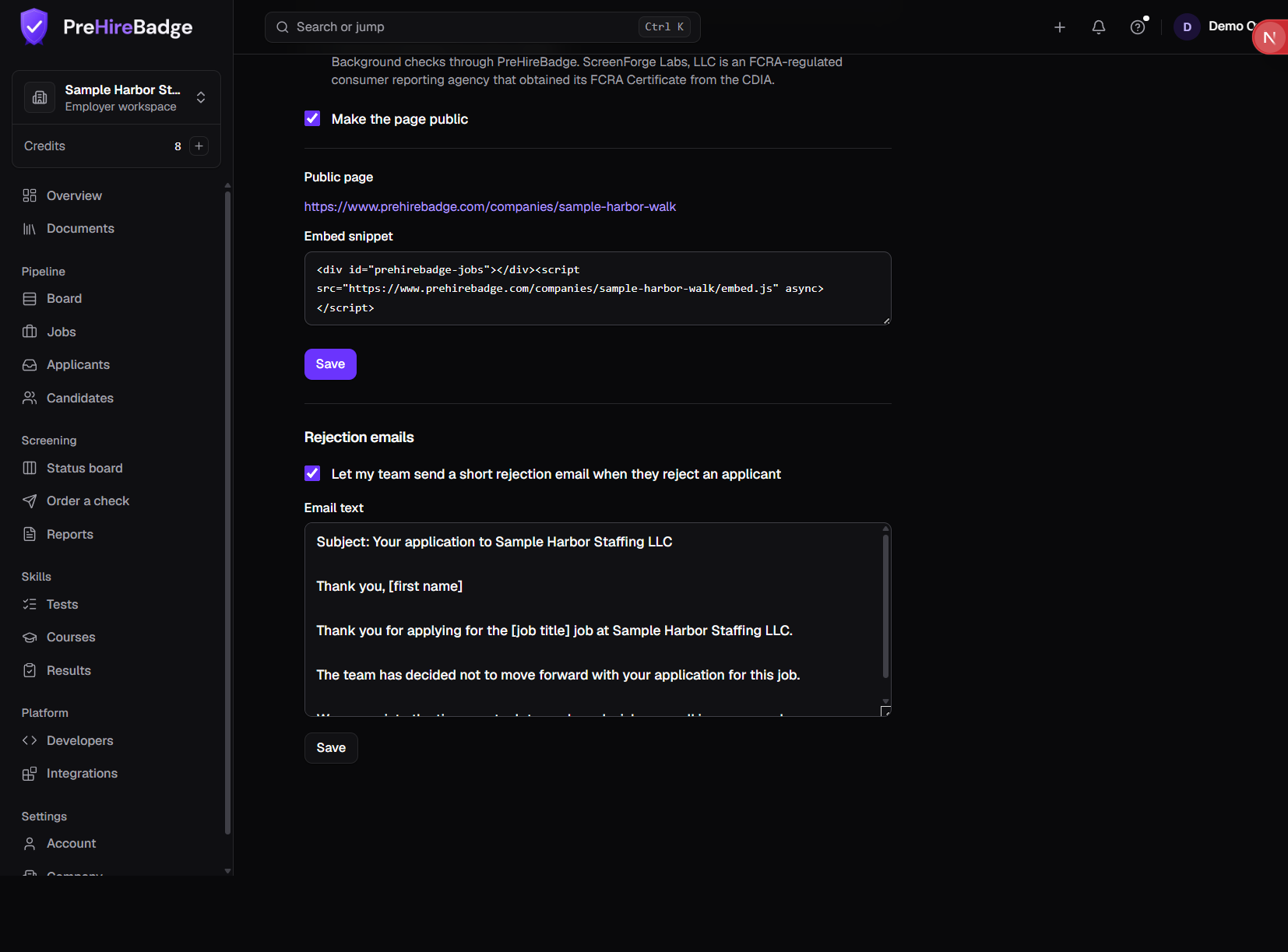
An owner or admin turns this on under Jobs, then Careers page, in Rejection emails.
The email uses this text. The applicant's first name, your company name, and the job title are filled in. It does not give a reason.
Subject: Your application to [company] Thank you, [first name] Thank you for applying for the [job title] job at [company]. The team has decided not to move forward with your application for this job. We appreciate the time you took to apply and wish you well in your search.
Nothing sends on its own
The email goes only when a person rejects an applicant and ticks Email them that you are not moving forward. There is no timer, and the box starts unchecked.
Rejecting someone who has a released report still requires finishing adverse action first.
See Applicants inbox and Hiring pipeline.