

Each job has its own email address. Forward applicant emails to it, or use it as the reply address on a job board, and the people we can read become applicants on that job.
Who it is for. An owner, admin, or hiring manager who receives applications by email or from Indeed, LinkedIn, or ZipRecruiter.
Where to find the address
Open Jobs, then the job, then Posting. Email applications sits under the posting editor. Copy the address. Anyone who can open the posting page can see it.
Forward from Gmail or Outlook
Open the applicant's email, choose Forward, and paste the job's address. Send it as it arrived, including the resume attachment. The same steps work in Gmail and Outlook.
Indeed, LinkedIn, and ZipRecruiter
Put the address in the reply-to field on the job posting at Indeed, LinkedIn, or ZipRecruiter. Their notifications then arrive as applicants on this job. You can also forward a notification you already received.
What becomes an applicant
A message we can read, with a first name, a last name, and an email address, for an open job, becomes an applicant on its own. The source shows as Email, and the board shows beside it when we recognize Indeed, LinkedIn, or ZipRecruiter.
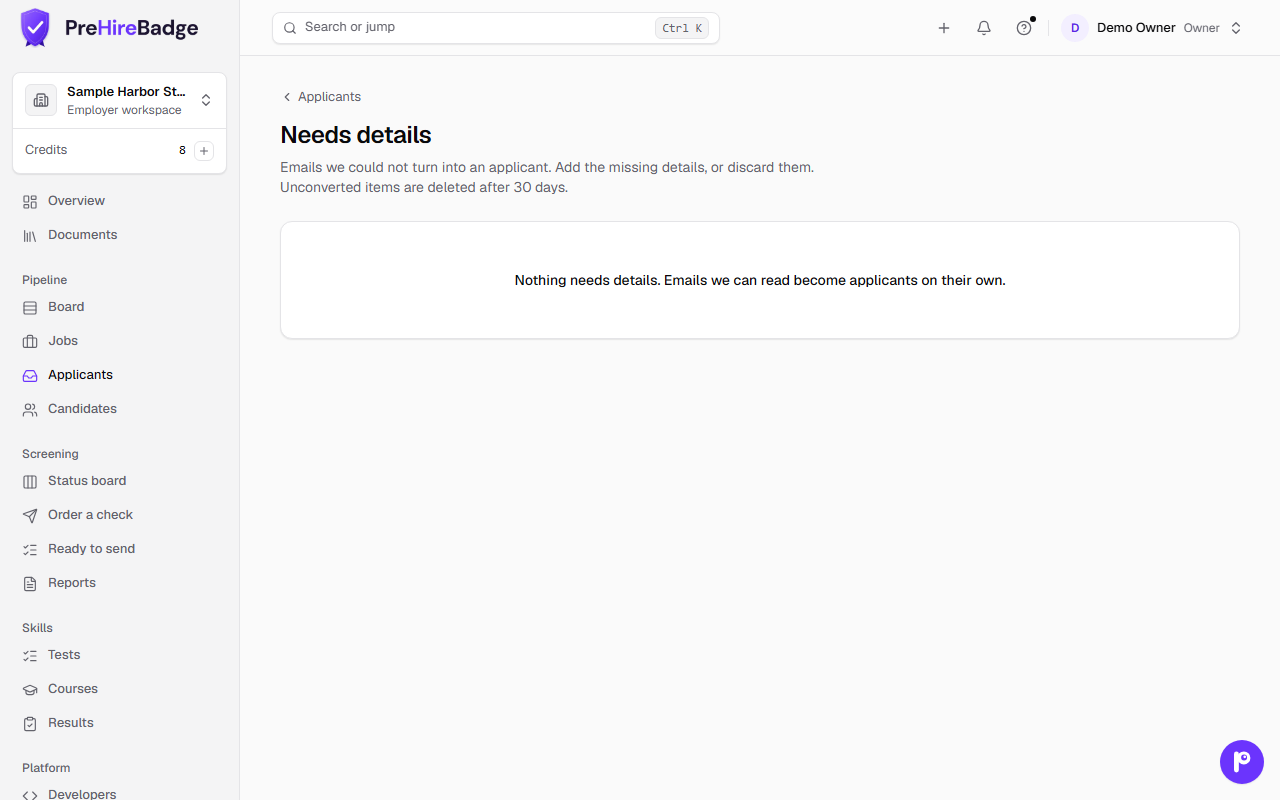
Anything we cannot read waits in Needs details, linked from the Applicants header. Add the name, email, and job, then Add applicant. Or Discard the email. LinkedIn notifications never include an email address, so they always wait there until you add one.
A person still orders the check
Resumes
We keep one resume from the email: a PDF, a Word file (.docx), or a plain text file, up to 10 MB. Older Word files (.doc) are skipped. If the file cannot be opened, the person can still be added and you can ask them for another copy.
No AI summary
Emailed applicants have no AI summary. They did not see the AI notice on your apply form, so we do not write one.
Needs details is kept for 30 days
An email still in Needs details is deleted after 30 days, including its resume. Add the person or discard the email before then.
Get a new address
On the posting page, an owner, admin, or hiring manager can choose Get a new address. The old address stops working right away. Mail sent to it is dropped.