

The same invite email is sent from the dashboard, a CSV upload, the API, and MCP. An API caller can set sendInvite to false and deliver the returned link itself.
Who it is for. Owners, admins, and hiring managers.
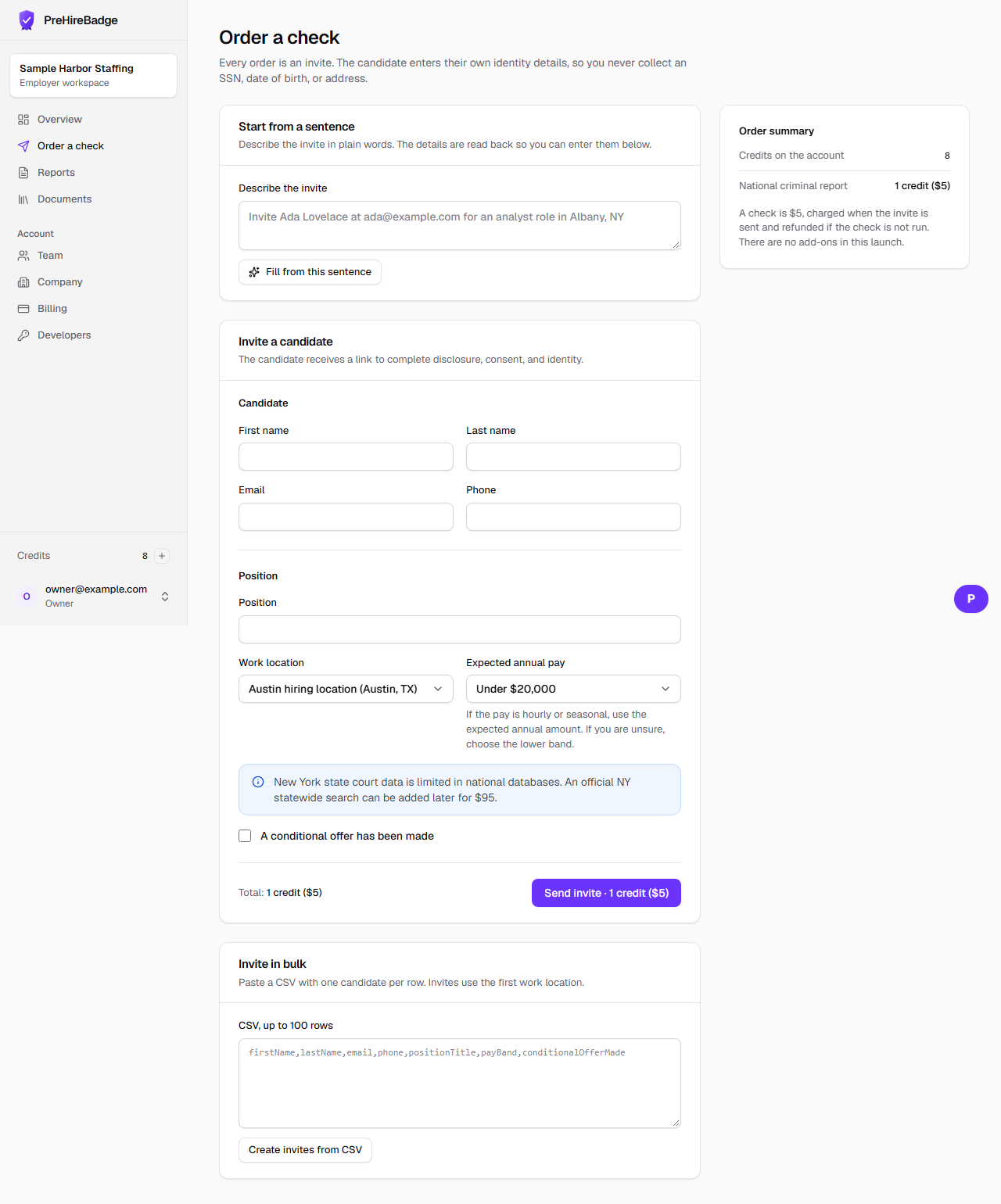
- Open Order a check and choose the work location.
- Enter the candidate name and an email or phone number. Do not enter a Social Security number.
- Name the position and choose the pay band. If you are unsure, choose the lower band.
- Say whether a conditional offer has been made.
- Certify that the report is for employment and that you will follow the FCRA rules, then send the invite.
A credit is used when the invite is sent. It is refunded if the check is not run.
Related: Pay bands explained. For the full sequence, take Pre-hire screening fundamentals in the Academy.