

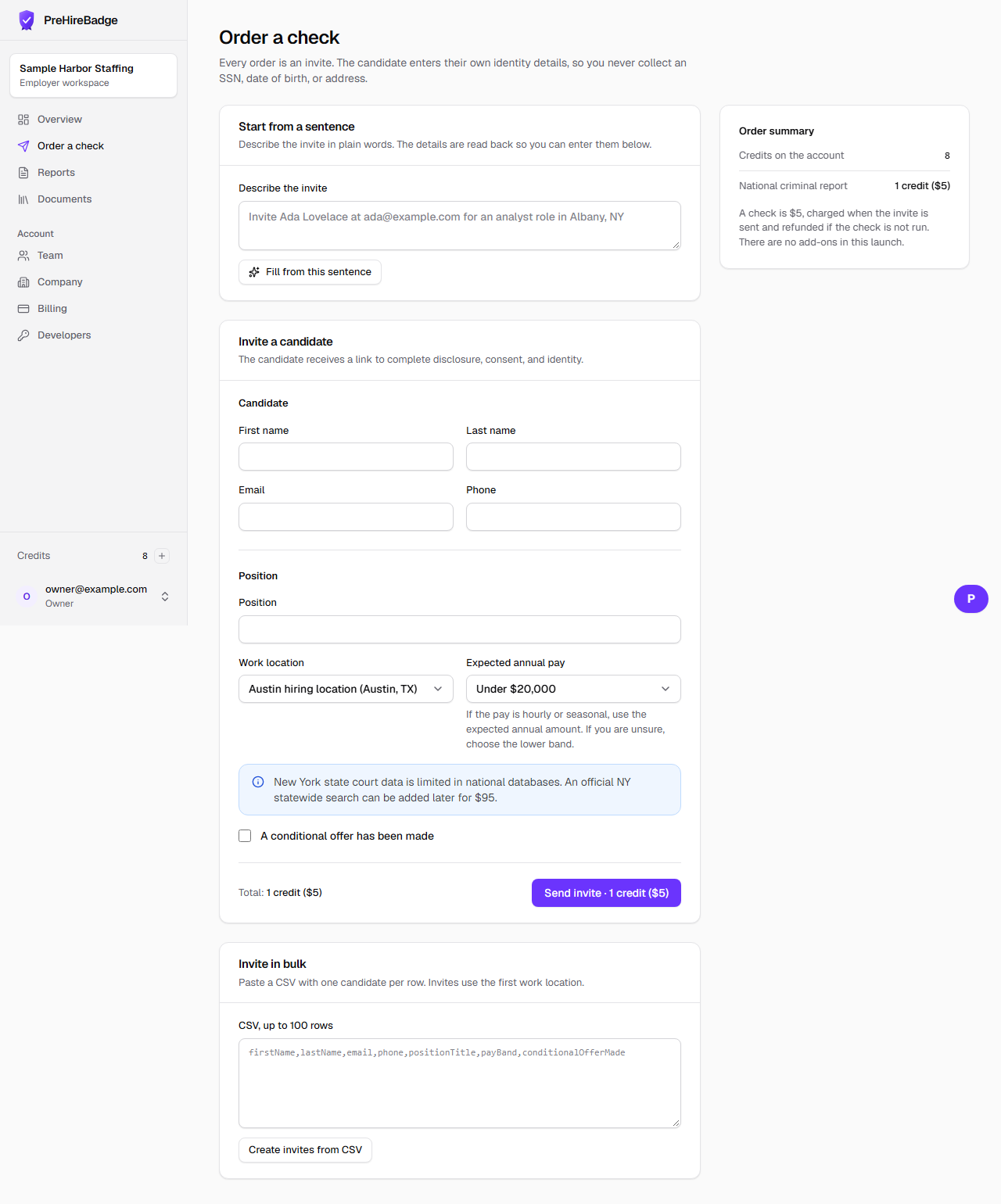
The assistant fills the order form with the name, contact, city, state, and position. It does not send the invite.
Who it is for. Employers who would rather start from a sentence than an empty form.
- Type the name, email or phone, city, state, and position.
- Use Fill from this sentence.
- Check the fields and submit the form.
A Social Security number typed into the box is removed before anything is sent to the model.
Related: Order a check. The Academy course AI in hiring, responsibly is listed in the Academy.