

The file needs a header row. One blocked row is listed and the rest still go out.
Who it is for. Employers hiring for more than one seat at the same location.
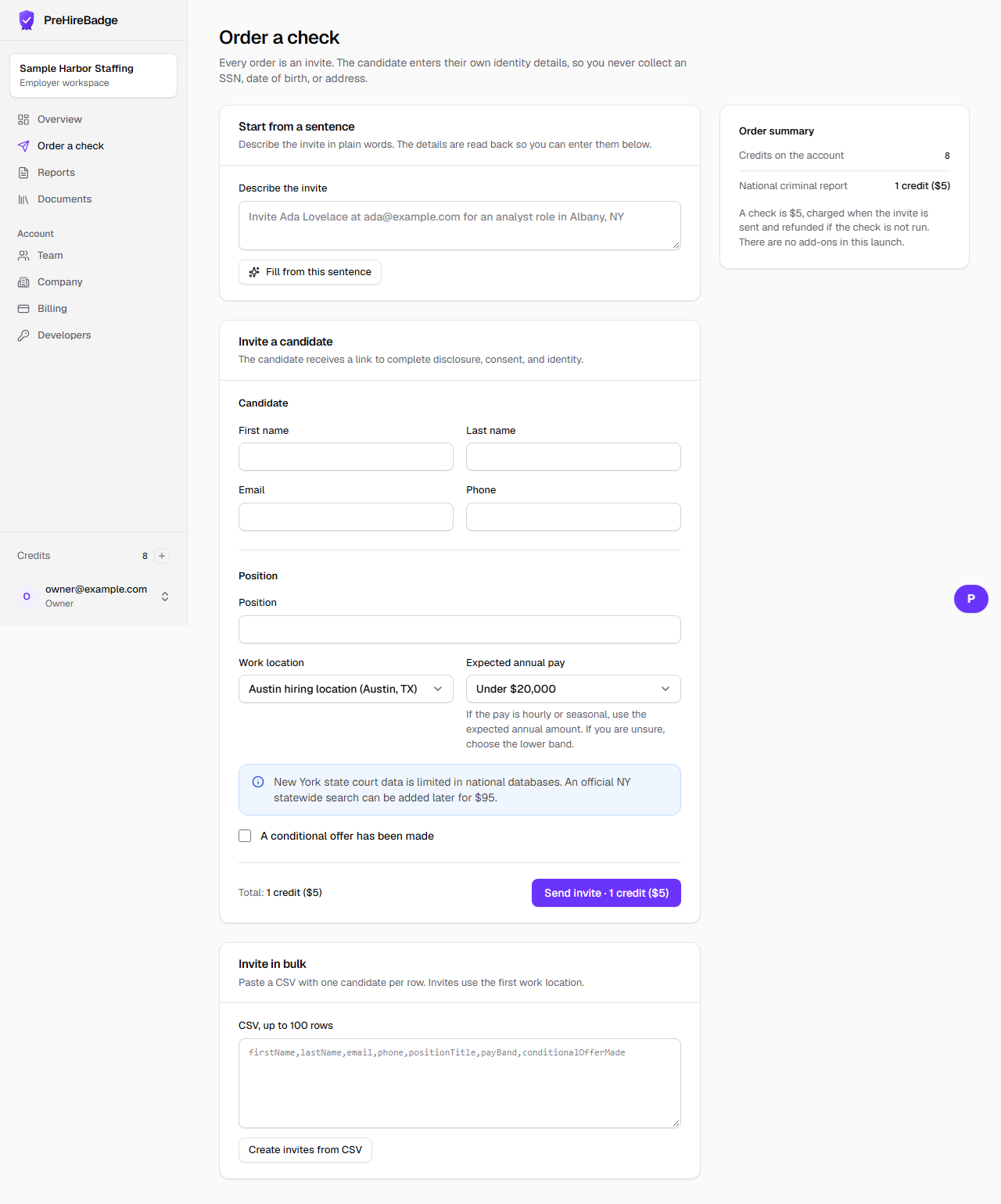
- Use the header firstName, lastName, email, phone, positionTitle, payBand, conditionalOfferMade.
- Keep the file to 100 data rows.
- Choose the work location and create the invites.
- Read the list of blocked rows and fix those people one at a time.
Do not put a Social Security number, date of birth, or home address in the file.
Related: Order a check