

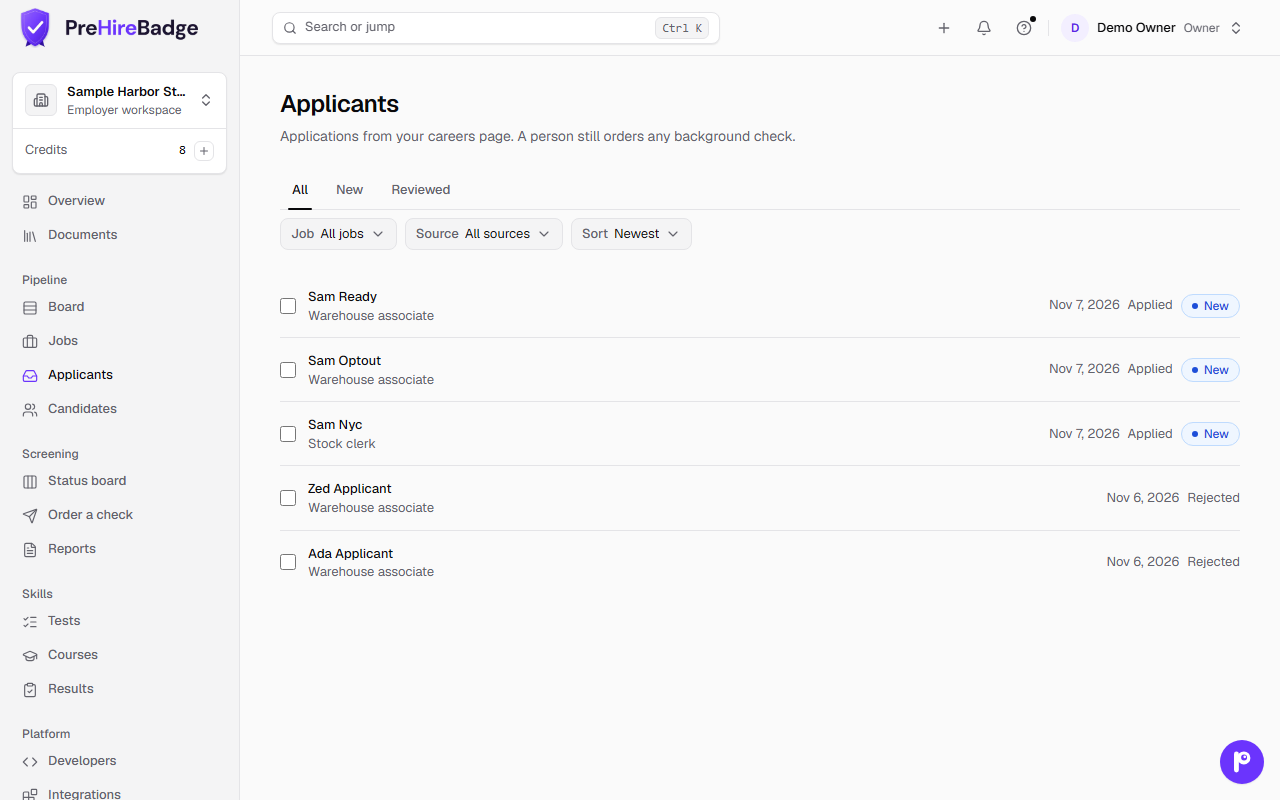
Open Applicants under Pipeline. Every application from your careers page is listed there, across jobs.
Filter by job, source, or whether it is new. Sort by date, name, or job. Open a person to read their answers and download the resume.
A person still orders the check
Applying does not start a background check. Open the candidate and order a check when you are ready. The same person stays on one record.
A New badge means nobody has marked the application reviewed yet. The list does not rank or score anyone.
Applications that arrive through the API, Zapier, an assistant, or email have no AI summary, because the applicant did not see the AI notice.
Emails we cannot turn into an applicant wait under Needs details, linked from this page, for 30 days. Add the person or discard the email. See Email applications.
See also Publish a job and Hiring pipeline.