

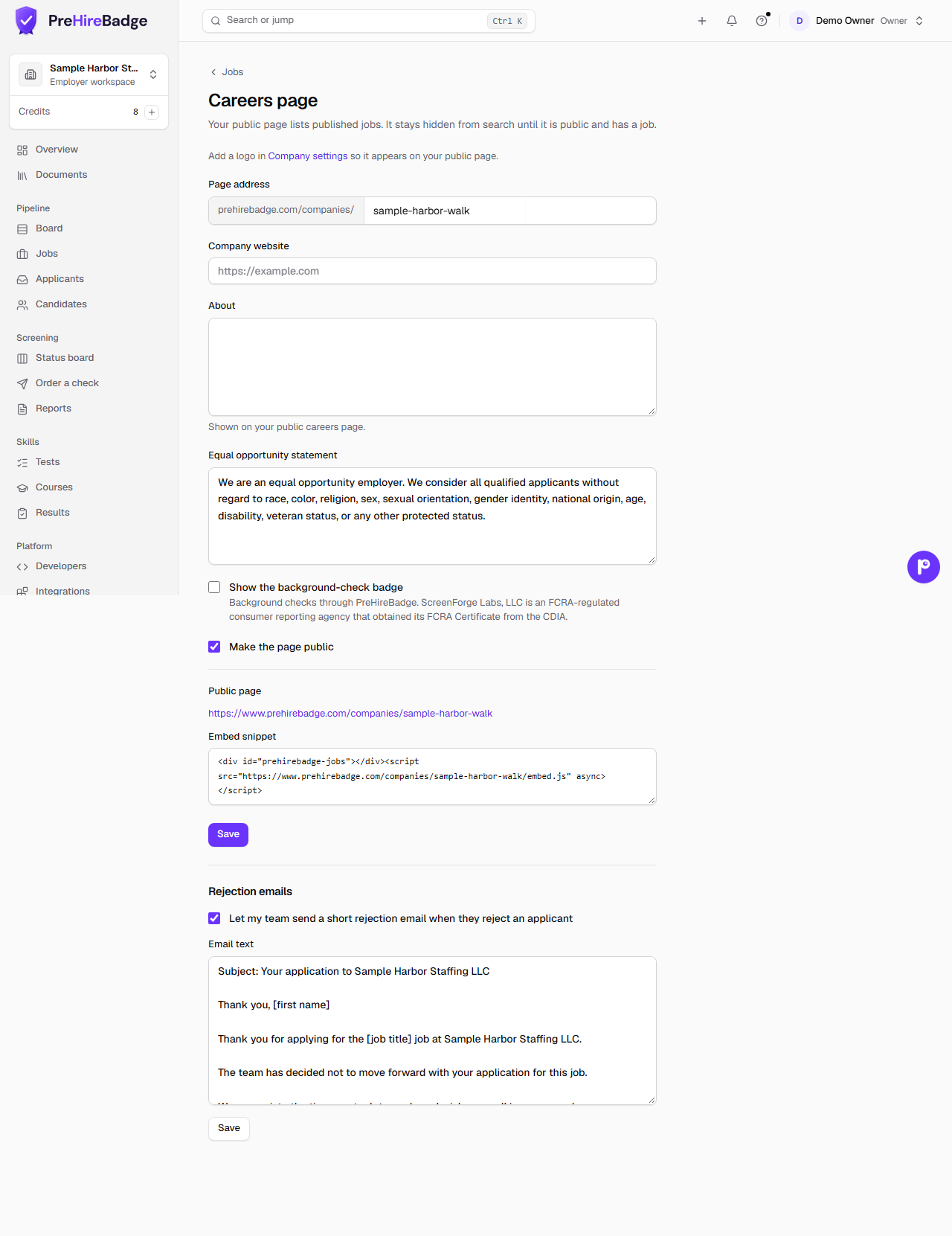
Under Jobs, open Careers page. Set the page address (URL slug), optional about text, and an optional equal opportunity statement.
Background-check badge
Turn Make public on when you want candidates to find the page. The careers page stays hidden from search until it is public and there is at least one public job.
Your careers page lives at prehirebadge.com/companies/<your-address>. Copy the embed snippet to list open jobs on your own site with one block of code.
List your jobs on free job boards
On the same page, turn on List my jobs on free job boards. It stays off until the careers page is public. Talent.com, Adzuna, Jooble, and Indeed can then show your published jobs. People still apply on your careers page.
Only published jobs that have not expired appear. A board can take a few days to pick up a new job. In Applicants, someone who came from a board shows as Job board, with the board name.
See Publish a job and Hiring pipeline.