

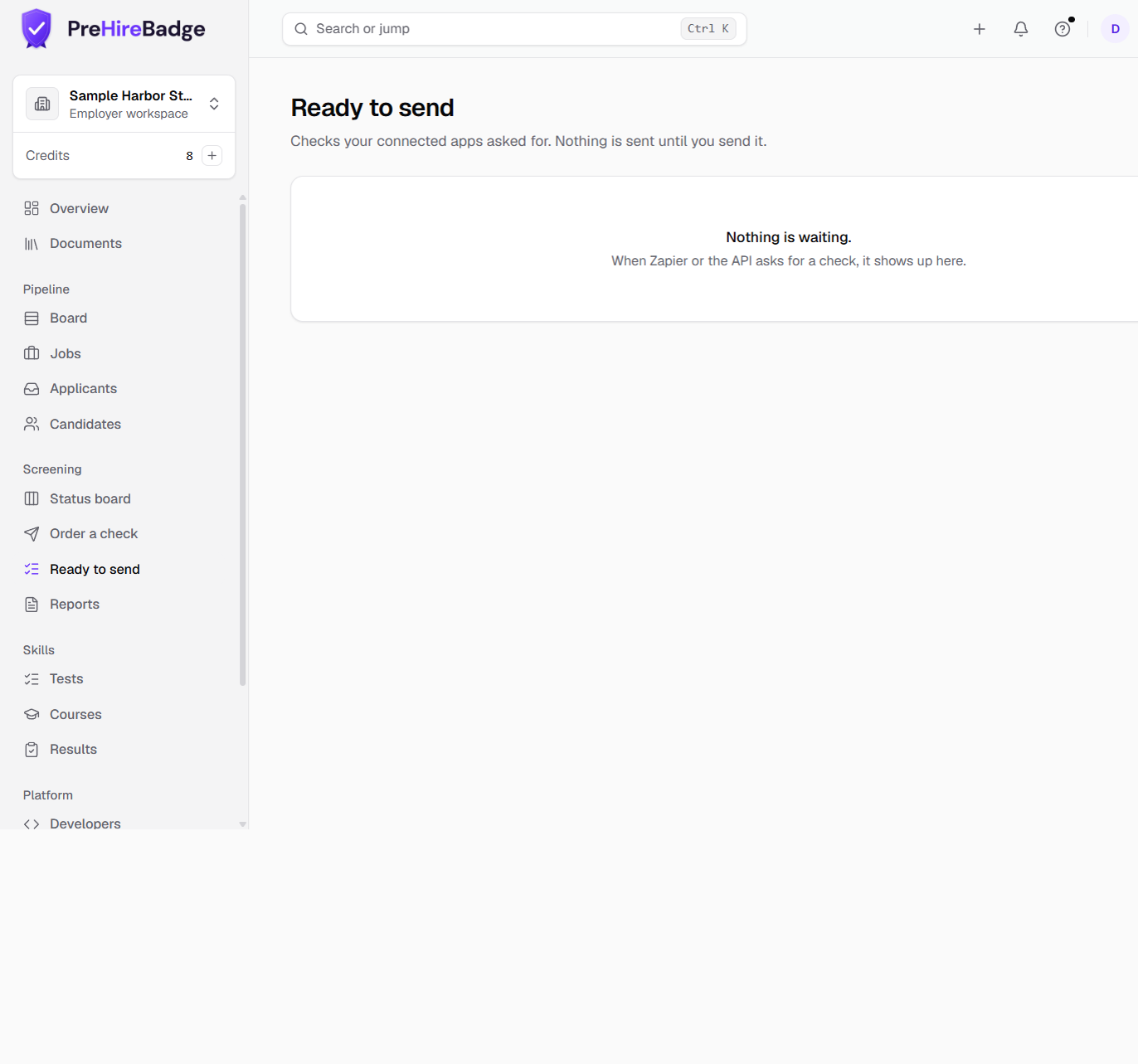
A connected app can ask for a background check. It cannot send one. The request waits in Ready to send until someone on your team sends it.
Who it is for. An owner or admin connecting Zapier or an API key that can request checks.
What a connected app can do
The app sends a request with the person's name and whatever else it knows, such as the job, the work location, and a pay band. PreHireBadge holds that request. Nothing is ordered, and no credit is used, until a person sends it from Ready to send, under Screening.
Why a person sends every check
Sending uses the same permissible-purpose checkbox as ordering a check. The person confirms the check is for employment and that the company will follow the FCRA disclosure, authorization, and adverse-action rules. Offer-first rules still apply. A location that requires a conditional offer still blocks the send until that offer is recorded.
The integration certification
An owner or admin accepts a short certification when connecting an app that can request checks, including a Zapier API key. It says requests are for employment only and that a person sends each one. When the wording changes, Ready to send stays closed for that app until an owner or admin accepts the new wording under Settings, then Integrations.
When a request needs attention
A request stays on the list with Needs attention when something required is missing: a work location, a pay band, a way to reach the person, or an offer-first rule. Read the reason, fix what you can, and send again. Or use Order from dashboard to start the check on the order form.
Turning it off
Settings, then Integrations, lists each connected app. Disconnect stops that app from asking for more checks. Requests already waiting can still be dismissed.