

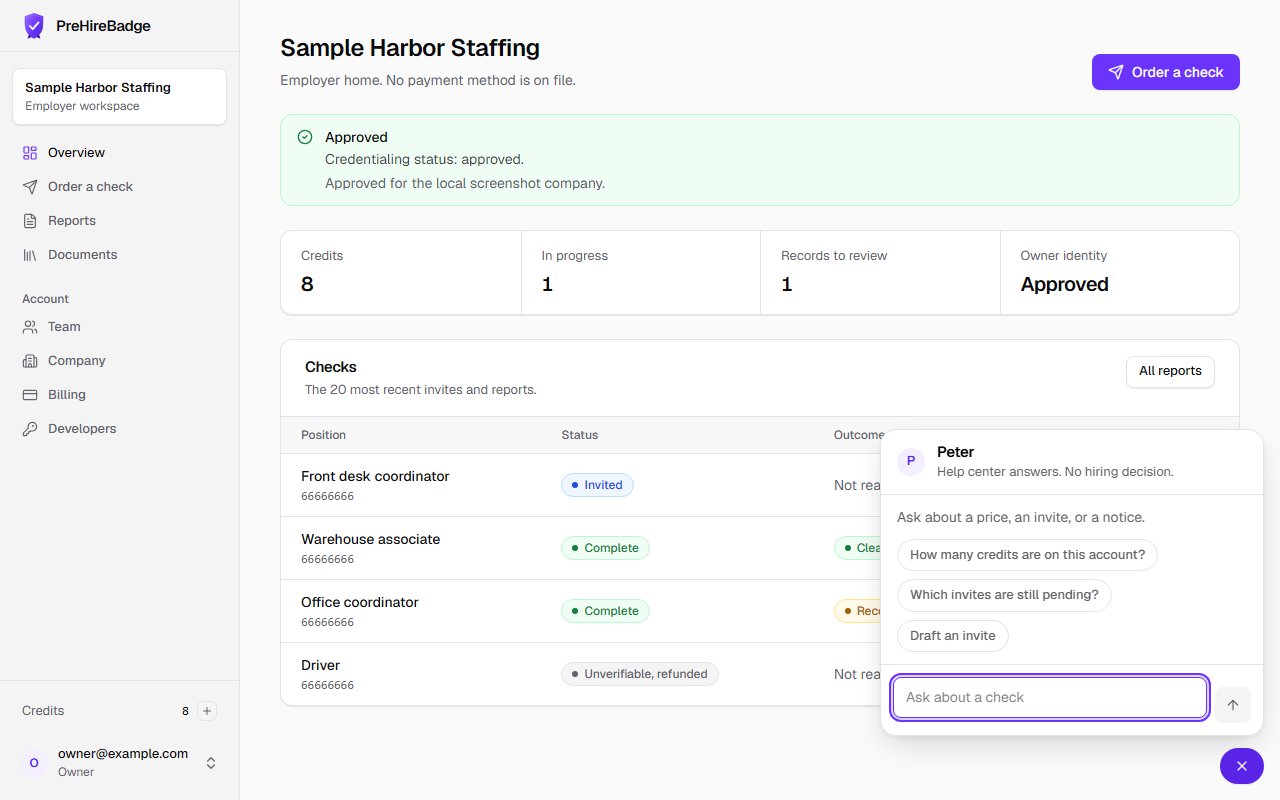
Peter answers questions about how PreHireBadge works and links to these articles.
Who it is for. A visitor on the public site, the help center, or the candidate pages, and a signed-in employer on the dashboard.
- Open Ask Peter. The button shows a P.
- Ask about price, a work location, credits, or a pending invite.
- To send, resend, or cancel an invite, read the card and click Confirm. Nothing is sent before that click.
- Read the article link in the reply. The article is the source.
- Email support for a refund, a charge, or a question about a specific person.
What Peter will not do
Peter does not give legal advice, recommend a hire, process a refund, or start adverse action. Do not paste a Social Security number or a date of birth. He asks for the position, work location, pay band, and conditional offer, and he does not guess them.
See pricing and connecting another assistant.