

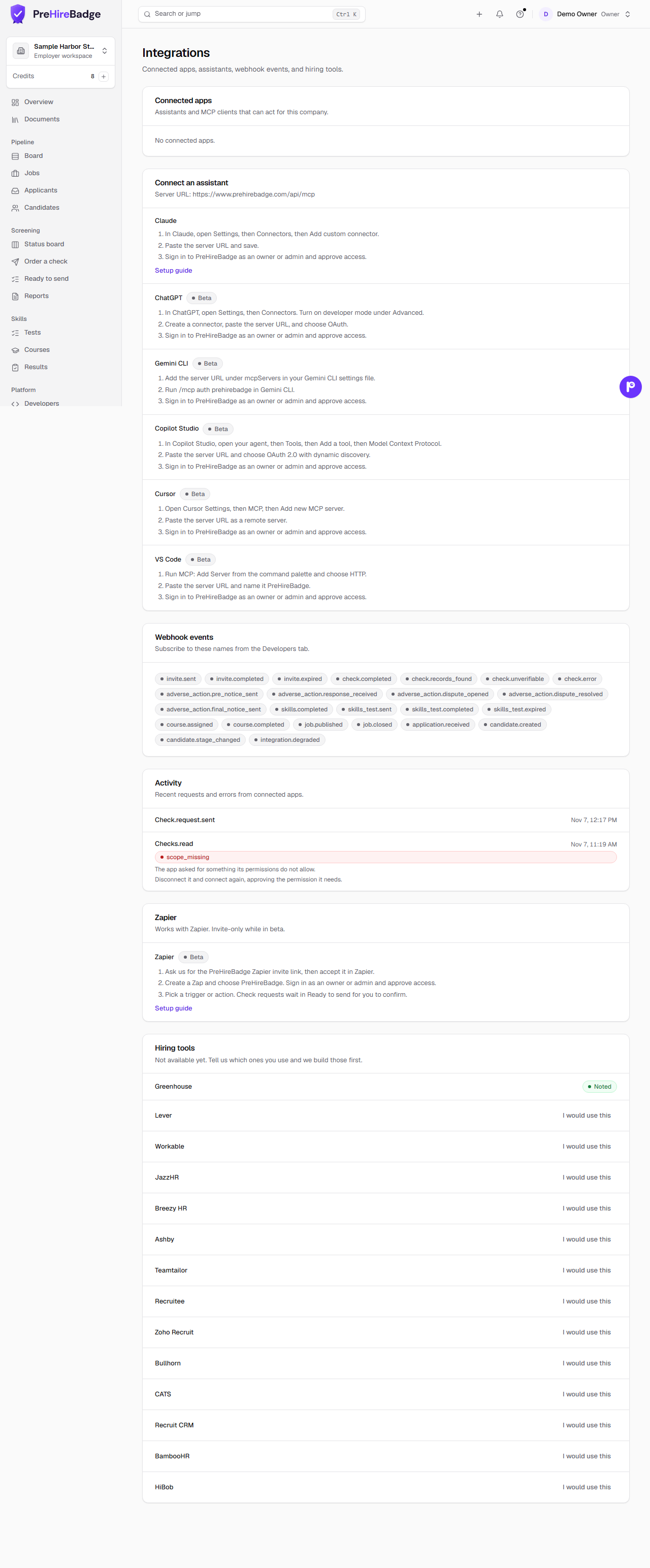
Works with Zapier. A Zap can add applicants and candidates, move someone to a new hiring stage, and hear when an application, a candidate, a stage, or a check status changes. It is invite-only while in beta.
Who it is for. An owner or admin who wants PreHireBadge to work with forms, spreadsheets, email, or chat tools they already use.
What it can do
Triggers start a Zap when something happens in PreHireBadge:
- New Application, when someone applies to one of your jobs.
- New Candidate, when a candidate is added from any source.
- Candidate Stage Changed, when a candidate moves stage.
- Check Status Changed, when a background check moves forward. The Zap receives the status only.
Actions do something in PreHireBadge:
- Create Application, from a form or a spreadsheet row.
- Create Candidate, or Find Candidate by email.
- Move Candidate Stage. Rejected needs a reason. Other also needs a short note.
- Request Background Check. The request waits in Ready to send until someone on your team confirms and sends it.
How to connect
- Ask us for the invite link, then accept it in Zapier.
- Create a Zap and choose PreHireBadge. Sign in as an owner or admin and approve access.
- If the Zap will request checks, accept the certification on the approve screen. Without it, check requests are refused.
What Zapier never sees
Reports, results, AI summaries, and resumes stay in PreHireBadge. A check trigger carries the status, such as invited or complete, and not the contents of the report.
A person sends every check
Example Zaps
- A Typeform or Google Forms response creates an applicant.
- An Indeed email in Gmail creates an applicant.
- A stage change requests a background check.
- A finished check posts a status to Slack.
- A finished check adds a status row to Google Sheets.
These are patterns you can build. Publishing ready-made templates is a later step.
When something fails
Settings, then Integrations, lists each connected app. The Activity card shows recent requests. Each error includes a short fix. Disconnect there to stop the app. Requests already waiting in Ready to send can still be dismissed.
A missing permission is refused. Ask an owner to approve the connection again, or create a key with the Zapier preset under API keys.