

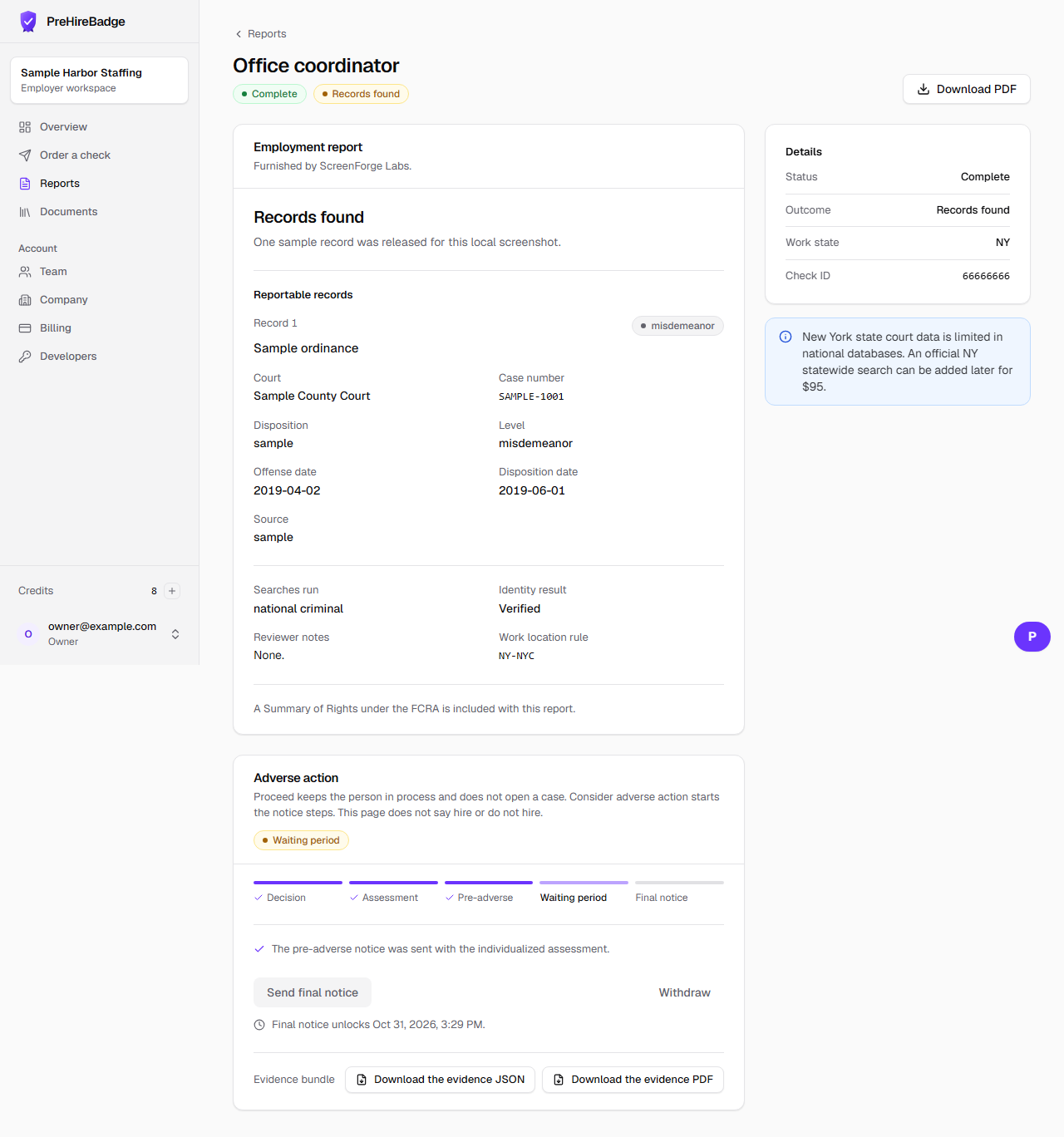
Withdraw closes an open adverse-action case when you decide to continue with the candidate.
Who it is for. Owners and admins.
- Open the report that has the case.
- Choose Withdraw. This works from any step that is not already finished.
- The case becomes cancelled.
- The candidate is marked hired on the account.
Withdraw is not available after the final notice is sent or after the case is already cancelled.
Related: Adverse action overview