

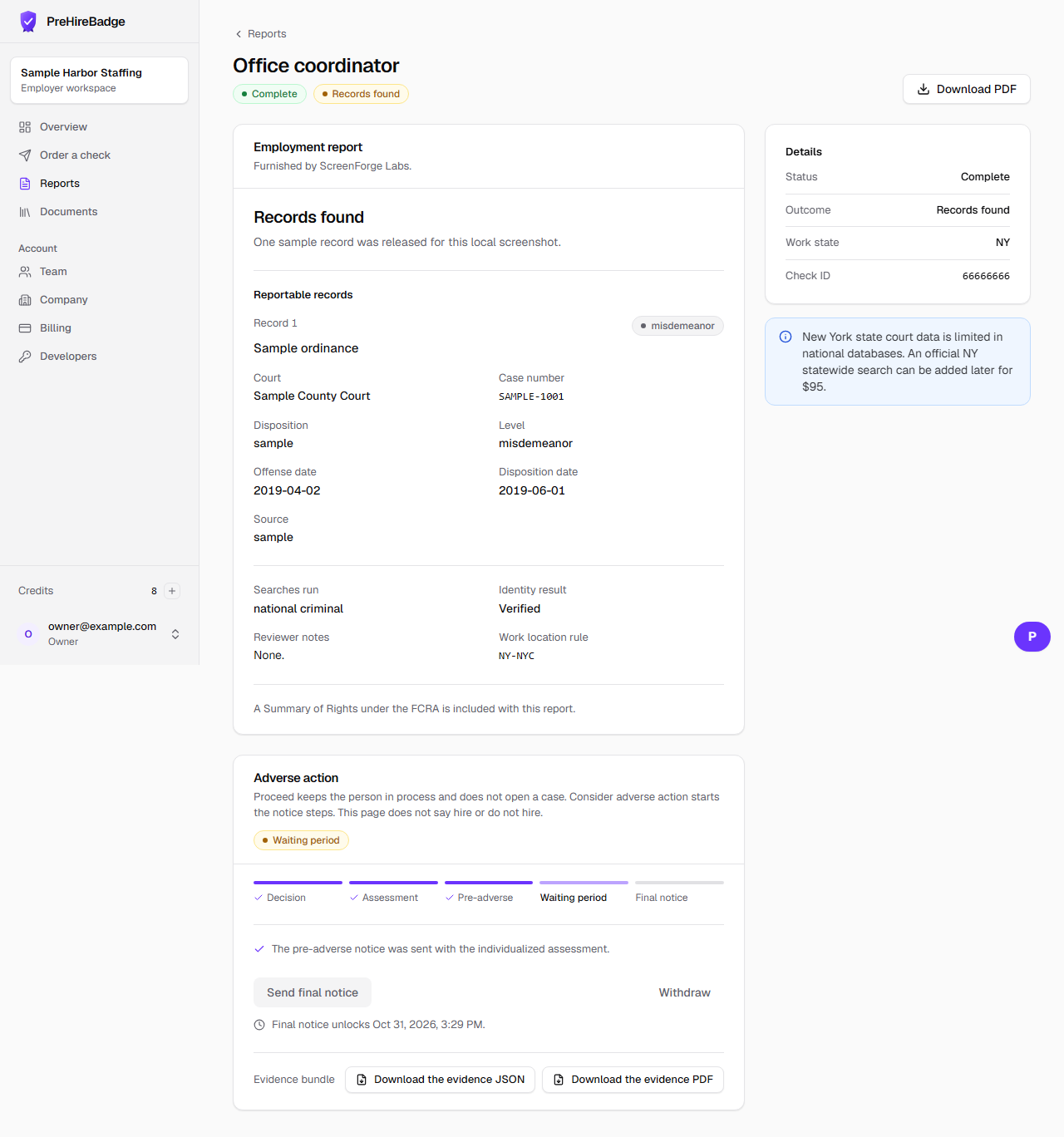
After a records-found report, an owner or admin can proceed or start the adverse-action steps.
Who it is for. Owners and admins who can open the report.
- Open the report from the dashboard.
- Choose Proceed if you will continue with the candidate. That does not open a case.
- Choose Consider adverse action if you may decide against the candidate based on the report.
- Complete the assessment, send the pre-adverse notice, wait, then send the final notice only when the page allows it.
The report and these buttons never say hire, do not hire, pass, or fail.
Related: Individualized assessment worksheet. The Academy course Adverse action, step by step is listed in the Academy now.