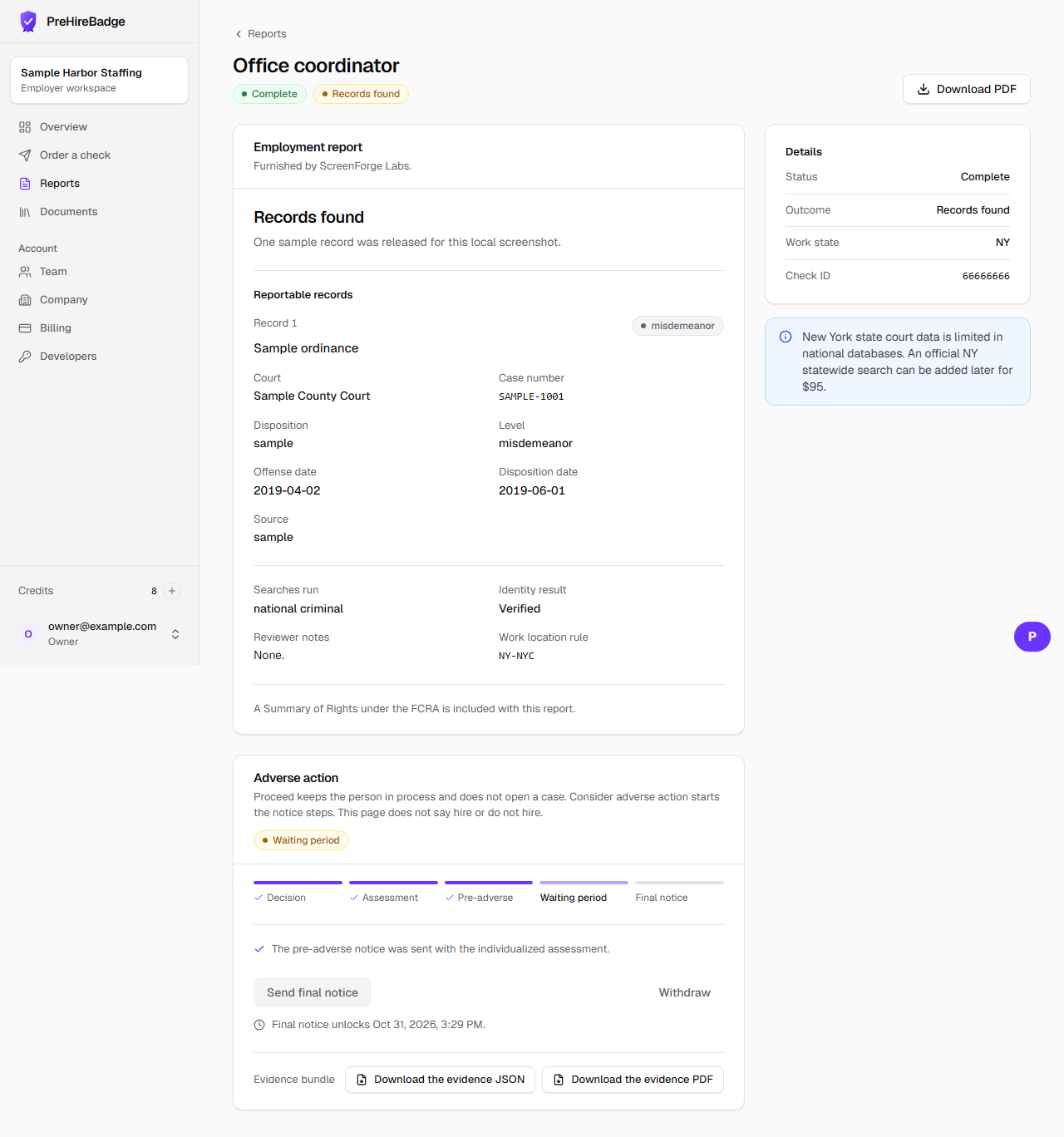
The pre-adverse email tells the candidate you are considering a decision based on the report, and it starts the waiting period.
Who it is for. Owners and admins who have saved an assessment.
- Save the assessment first. The send button refuses to run without one.
- Send the pre-adverse notice from the report.
- The email includes the report, A Summary of Your Rights, the notices for that work location, and a link to respond.
- New York mail also includes Article 23-A. New York City mail includes the Fair Chance Notice.
Sending the notice does not make the final decision. The final notice stays locked until the waiting period ends.