

A dispute about the report goes to ScreenForge Labs. PreHireBadge changes the waiting clock only when ScreenForge sends the dispute event.
Who it is for. Candidates who see an error, and owners or admins waiting on a case.
- The candidate describes the error on the status page.
- When a case is open, that dispute is sent to ScreenForge Labs.
- ScreenForge tells PreHireBadge when the dispute opens and when it is resolved.
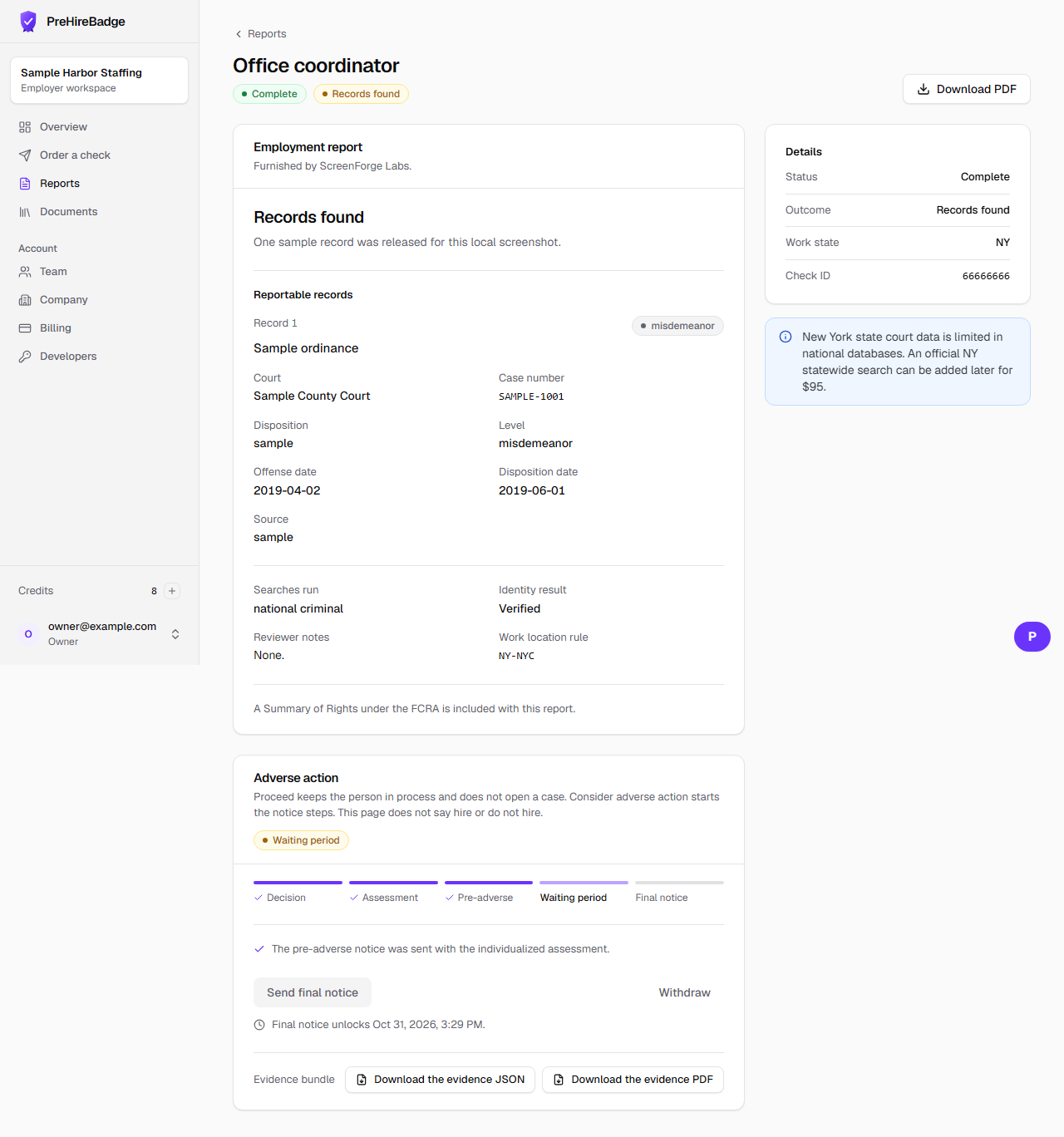
- The case moves from waiting to disputed, then back to waiting, and the end date moves later by the business days spent disputed.
An employer cannot mark a dispute open or closed. Only the ScreenForge event does that.
Related: Dispute an error on your report. The Academy course Handling disputes and candidate responses is listed in the Academy.