

PreHireBadge is for an employer who wants one employment background check at a flat price, with the disclosure, authorization, and waiting rules handled in the product.
Who it is for. Owners and hiring managers at small companies in the United States. It is not a tool that tells you to hire or reject someone.
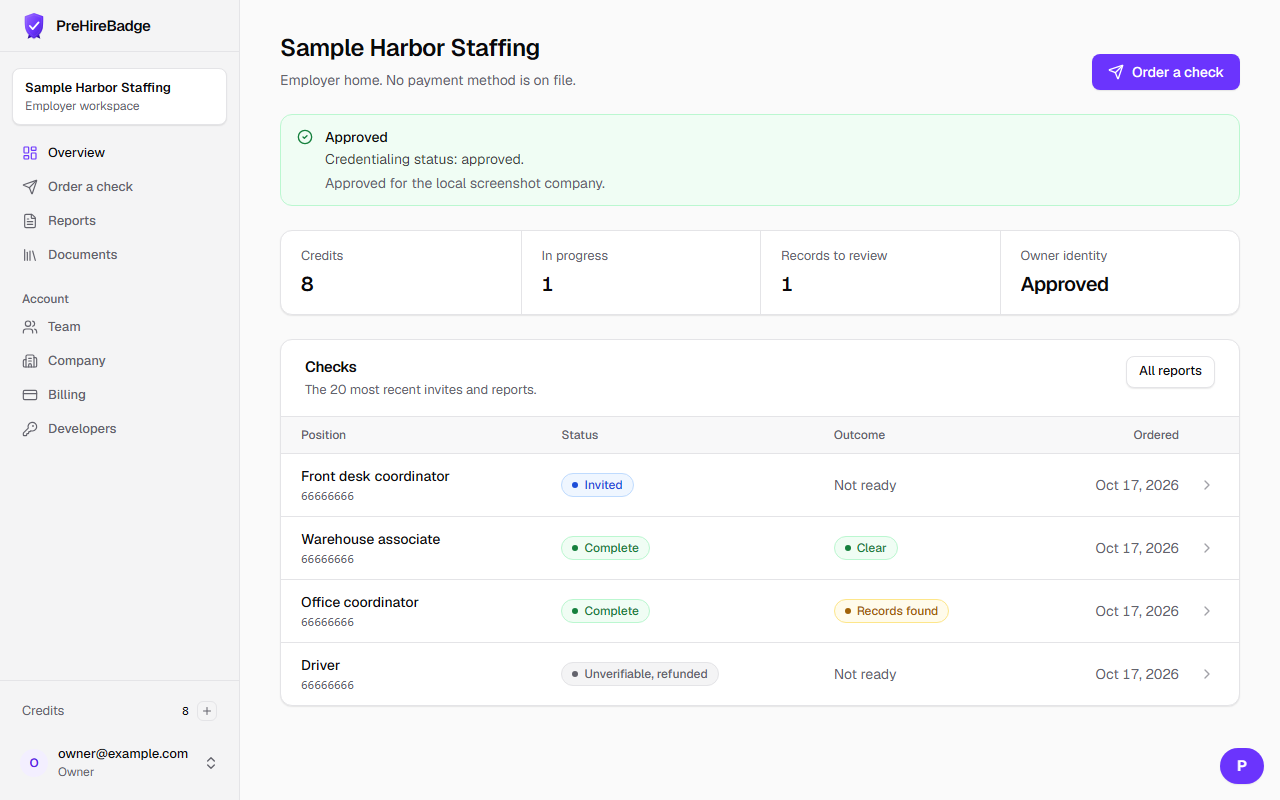
A check moves through these steps:
- You create an employer account and a company profile, including where the person would work.
- You accept the employer agreement and complete an owner identity check. Invites can be drafted while that review is pending.
- You send an invite. The candidate opens it, reads a standalone disclosure, and signs an authorization.
- The candidate enters their own identifiers, including the Social Security number, and completes a photo identity check.
- ScreenForge Labs, the consumer reporting agency, runs the search. A person reviews records before anything is released.
- You see a clear report or the records that may be reported. If you might not hire because of the report, you follow the adverse-action steps.
The employer never collects the Social Security number
Ask the candidate to open the invite and enter it there. Do not put it in email, a spreadsheet, or a chat.
The statute that governs this kind of report is the Fair Credit Reporting Act. These articles describe the product. They are not legal advice.
Next, read your first check or create your account.