

An employer account is the login that owns the company, the credits, and the invites.
Who it is for. The person who will be the owner of the PreHireBadge account.
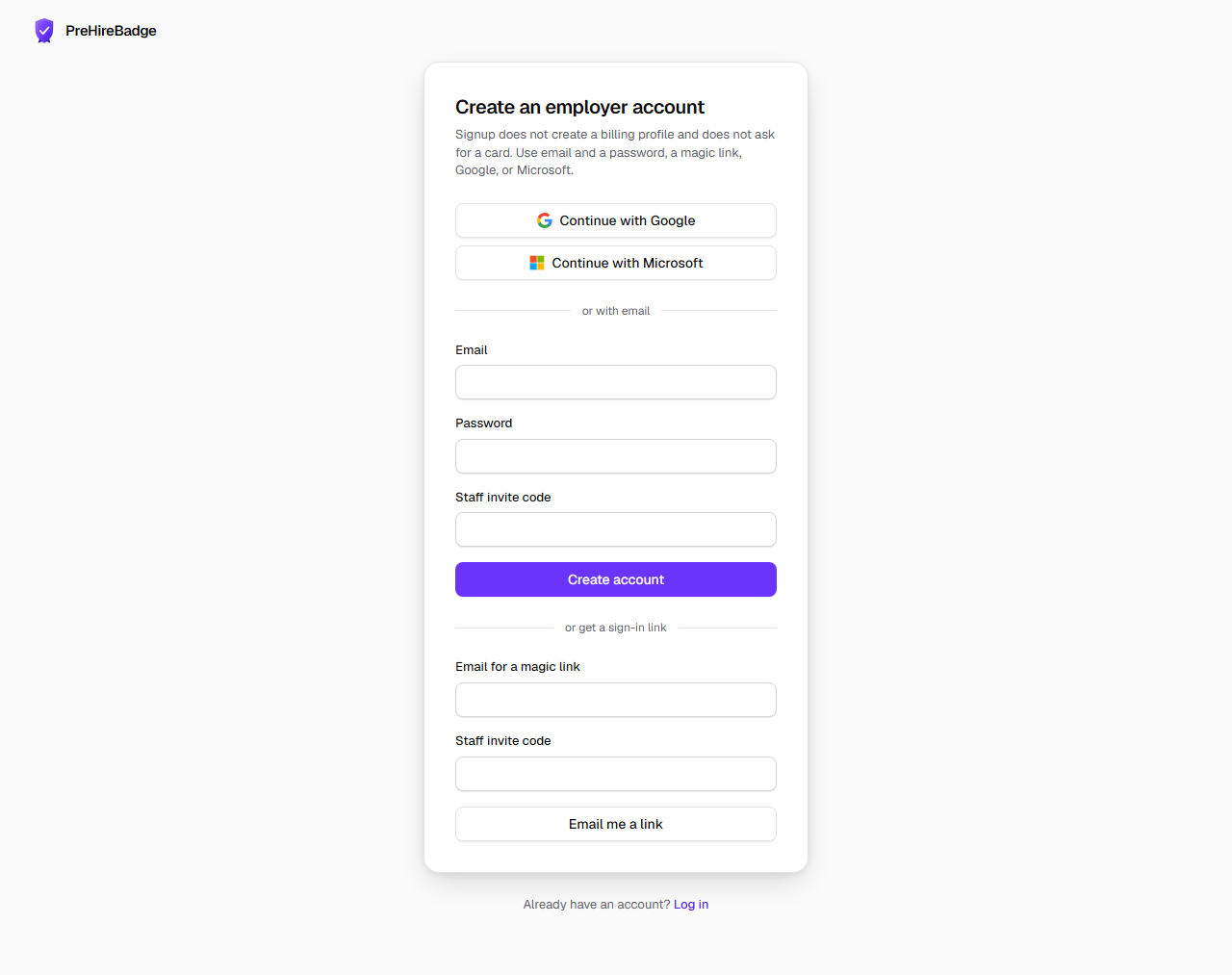
- Open sign up and choose email, Google, or Microsoft. You can also set a password.
- Enter the company legal name and, if you use one, the name you trade under.
- Add the EIN, address, phone, website, and industry.
- Choose an employee-count band and the state and city where you primarily hire.
- Save. PreHireBadge creates your company, makes you the owner, and stores that place as the first work location. The login is registered for support routing and is removed when the owner deletes the company.
| Band | Use it when |
|---|---|
| 1-4 | You have fewer than five employees |
| 5-9 | You have five to nine employees |
| 10-14 | You have ten to fourteen employees |
| 15-49 | You have fifteen to forty-nine employees |
| 50-499 | You have fifty to four hundred ninety-nine employees |
| 500+ | You have five hundred or more employees |
No card at signup
Creating the account does not start a subscription and does not ask for a payment method. You add a credit when you are ready to send an invite.
After the company exists, get credentialed and then look at the dashboard.