

Credentialing is the review that must finish before PreHireBadge will ask ScreenForge Labs to run a search.
Who it is for. The account owner, after the company profile is saved.
- Read the employer agreement. It records that you will give the disclosure, get written authorization, follow adverse-action rules, and not use the report to break equal-employment law.
- Accept that version. PreHireBadge stores who accepted it, when, and the document fingerprint.
- Acknowledge the Notice to Users of Consumer Reports. A copy is also emailed when the account is created.
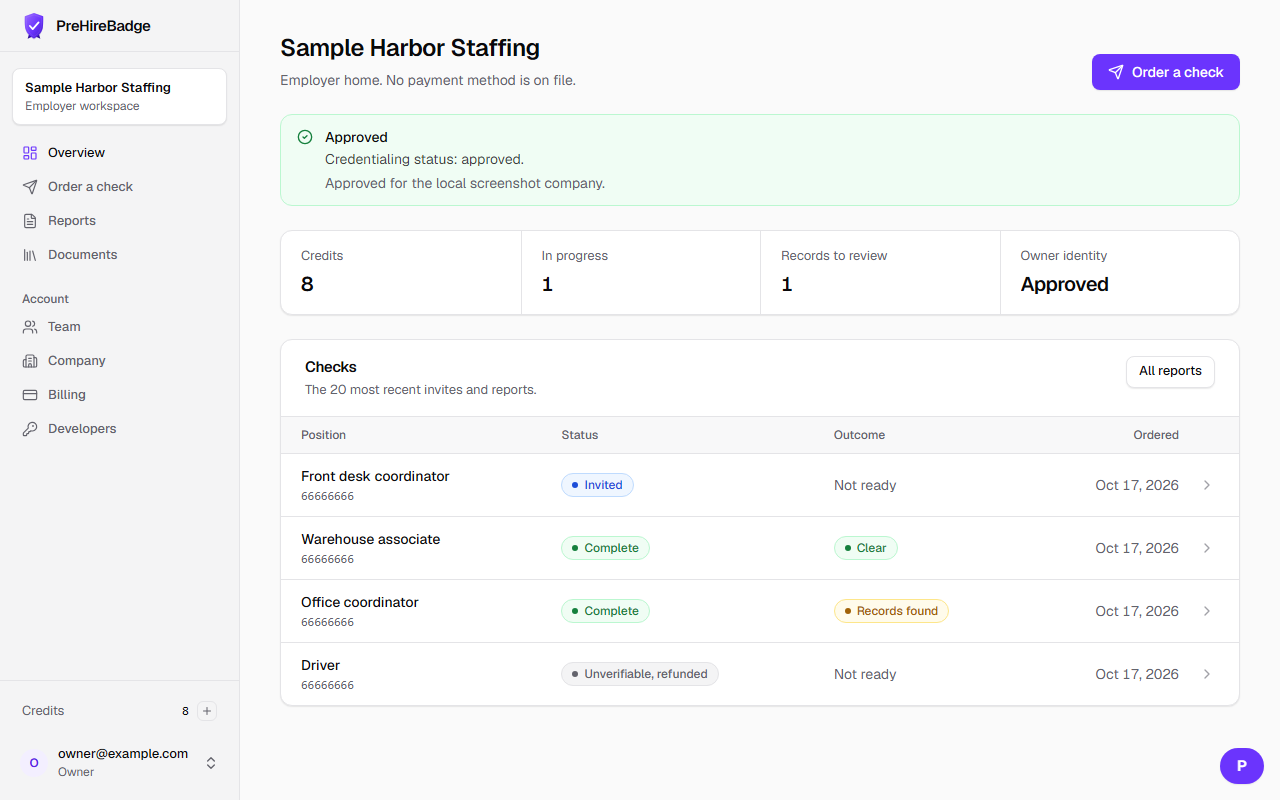
- Complete the owner identity check. We store the decision, not an image of the document, on the company.
- Wait. The dashboard shows pending. You can still draft invites.
- When an operator approves the company, they record the Secretary of State entity status and registered name. Held checks can then proceed. A rejection cancels a held check and returns the credit.
Pending is not a refusal
There is no fixed public review time. The home screen stays on pending until the company is approved. A search does not start during that wait.
The agreement text follows the certification duty in the Fair Credit Reporting Act. This page describes what the product stores. It is not legal advice.
See account setup and the dashboard tour.