

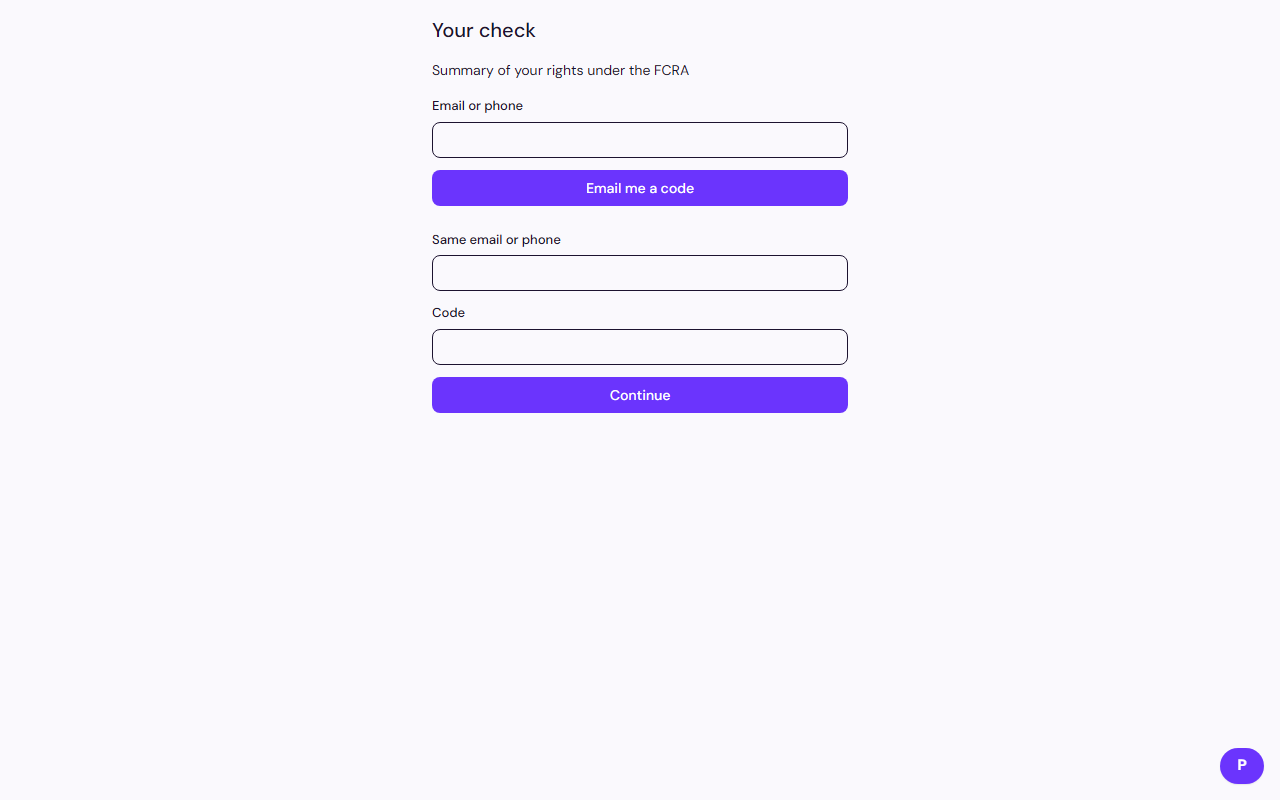
The confirmation email attaches a Summary of Your Rights Under the FCRA. A link also stays on every step.
Who it is for. Anyone completing an invite or reading a report.
- Open Summary of your rights from the invite, the confirmation email, or the status page.
- Notices follow the job location and the state where you live. If your state offers a free copy, use the checkbox.
- After a final notice, use Request a free copy on the status page. That sends the report PDF.
These pages describe the product. They are not legal advice.
Related: Dispute an error on your report