

The status page is where you send a statement. The link in the notice does not carry a report token.
Who it is for. A candidate who was told the employer may not move forward.
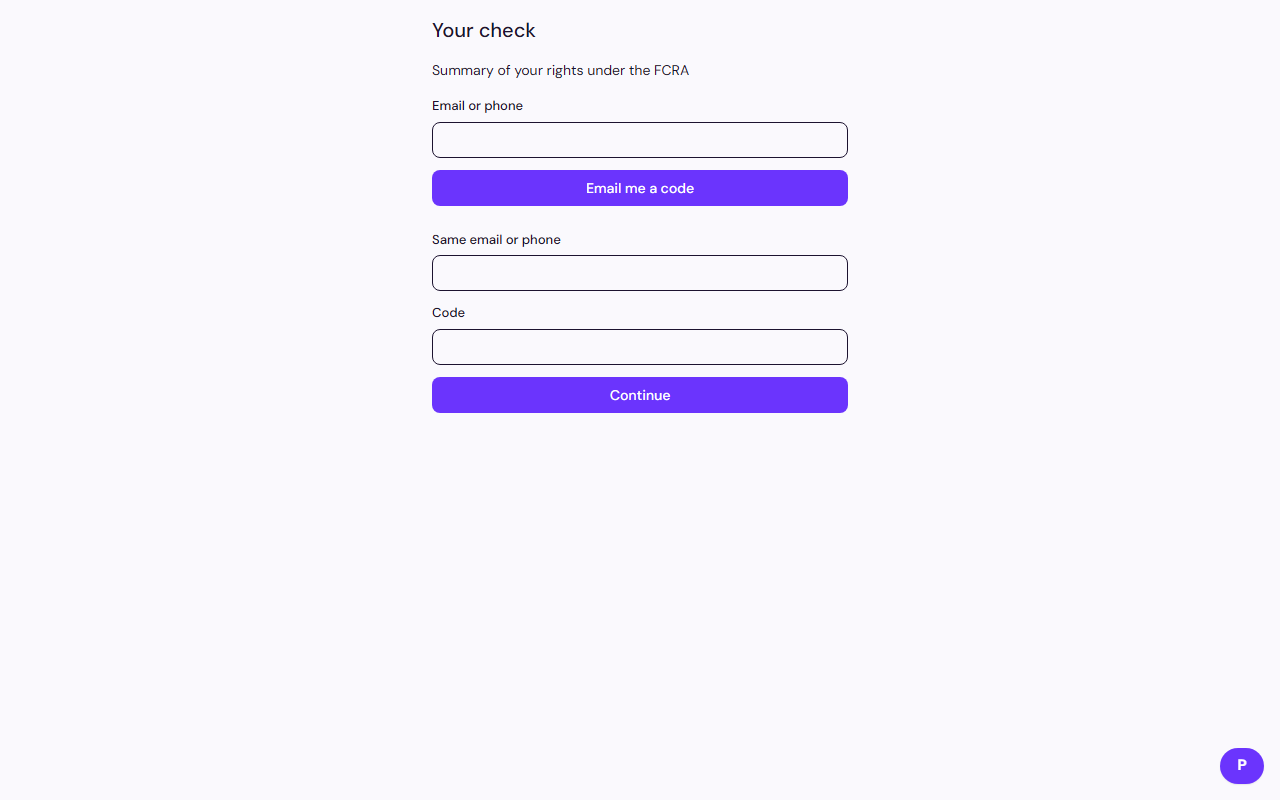
- Open the status page from the notice.
- Request a code for the email or phone on the invite.
- Write your statement. Attach a certificate of relief or good conduct, rehabilitation evidence, references, or another file.
Sending a response does not by itself change the employer decision. It gives them your statement.
Related: Dispute an error on your report