

There is no account to create. The link is the path through disclosure, notices, signature, and identity.
Who it is for. Employers who want to tell a candidate what the link will ask.
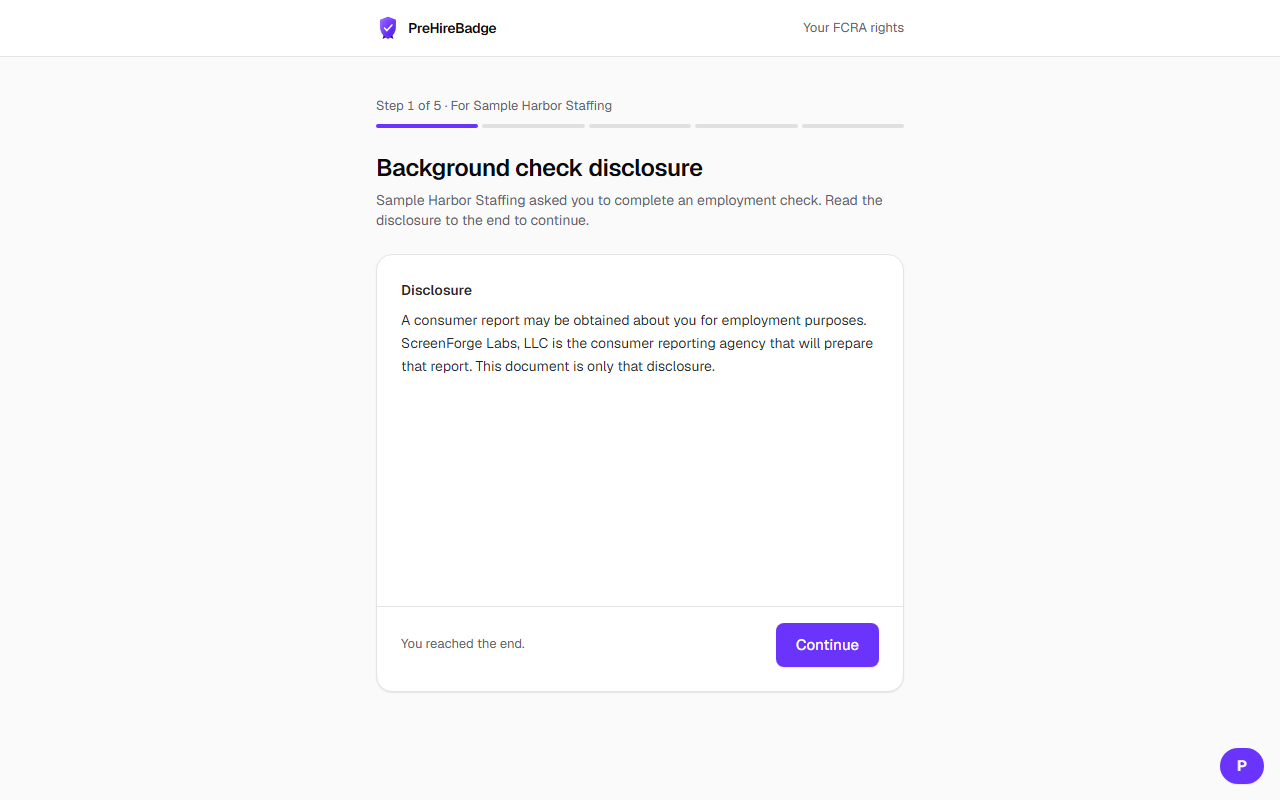
- The first screen is only the disclosure that a consumer report may be obtained for employment.
- Notices follow the job location and, after the address step, the state where the candidate lives.
- The candidate types their legal name and signs.
- They enter a masked Social Security number, an address, and optional prior addresses, then start a photo identity check.
The employer does not see the Social Security number. The status page shows progress, not a hiring decision.
Related: Order a check