

Team roles decide who can invite people and who can open an employment report.
Who it is for. An owner or admin adding a teammate.
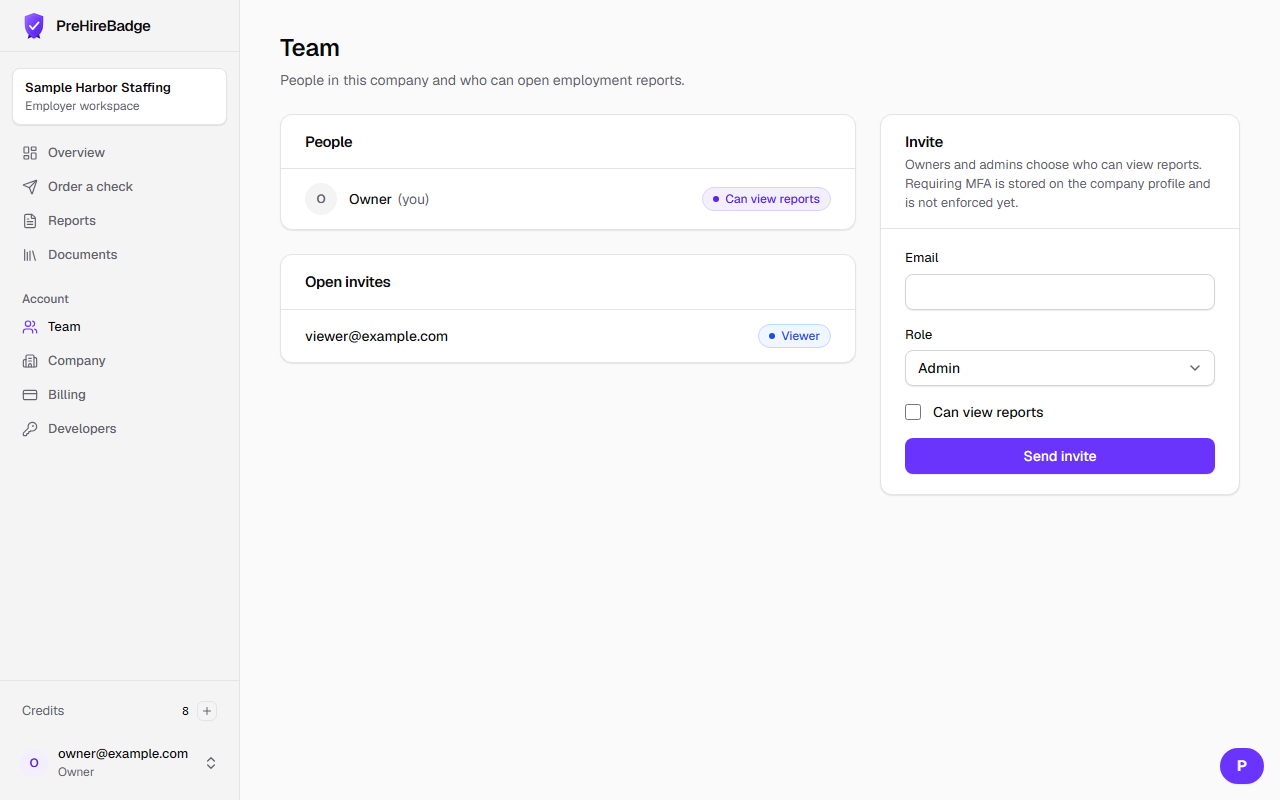
- Open Team from the dashboard.
- Enter the person's email and choose Admin, Hiring Manager, or Viewer.
- Check "Can view reports" only when that person should open a report.
- Send the invite. It expires in seven days.
- The person accepts from the email link with that same email address.
| Role | Reports |
|---|---|
| Owner | Always |
| Admin | Always, and can grant access |
| Hiring Manager | Only when access is granted |
| Viewer | Only when access is granted |
A hiring manager does not see reports by default
Leave the report box unchecked and the report route stays closed for that person.
See the dashboard tour and company profile.