

The company profile is the name, place, and sender details that later notices use.
Who it is for. An owner or admin.
- Open Company from the dashboard.
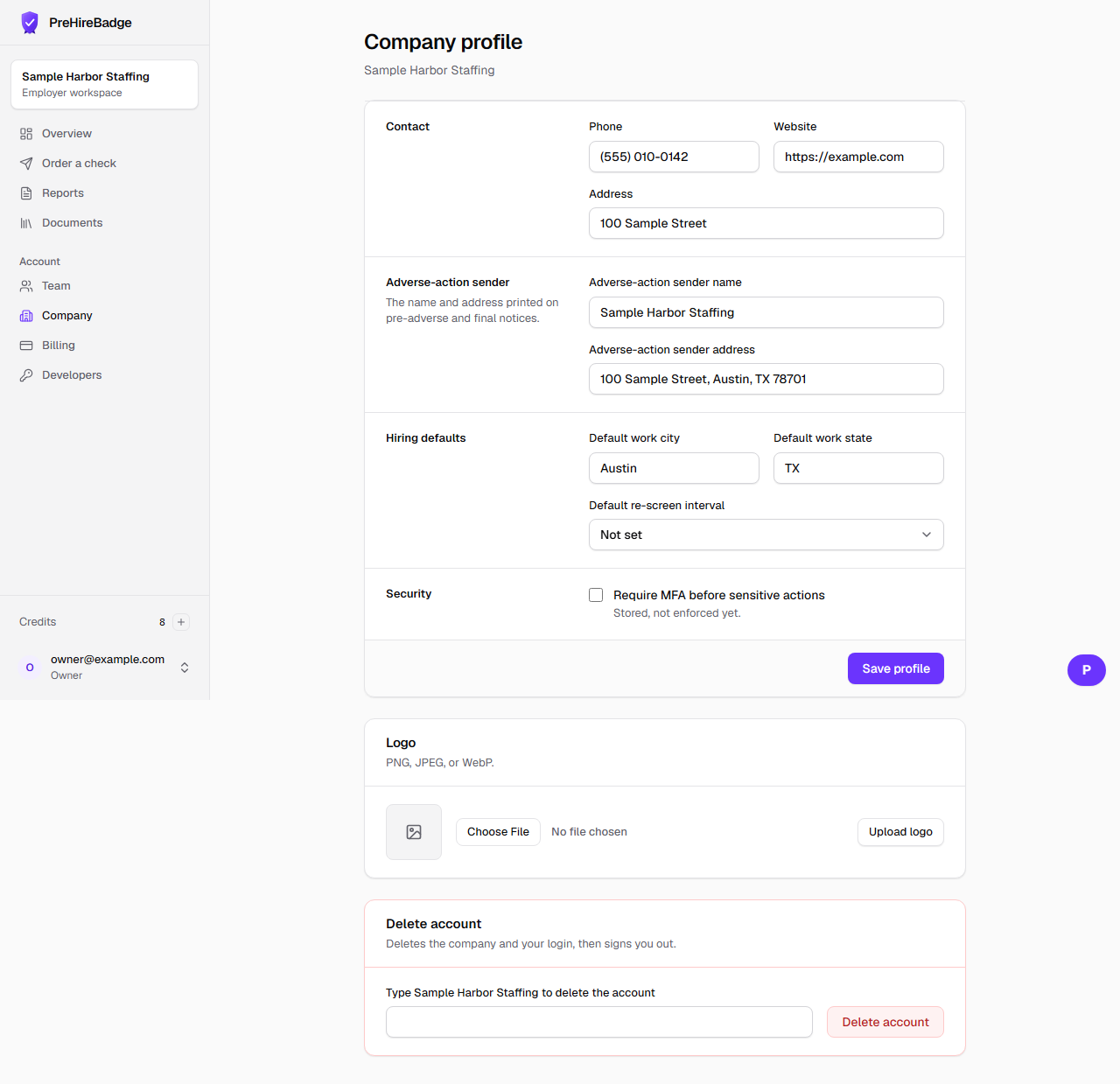
- Set the adverse-action sender name and address. Those identify who is taking the action.
- Update the default work city and state. PreHireBadge stores the jurisdiction key for that place.
- Choose a re-screen interval of 6, 12, or 24 months, or leave it unset. The value is stored. Alerts are not sent yet.
- Upload a PNG, JPEG, or WebP logo up to 1 MB. The owner can delete the account by typing the legal name.
MFA can be stored and is not enforced yet
The require-MFA box saves the company's preference. Signing in does not ask for a second factor yet.
See team roles and credentialing.