

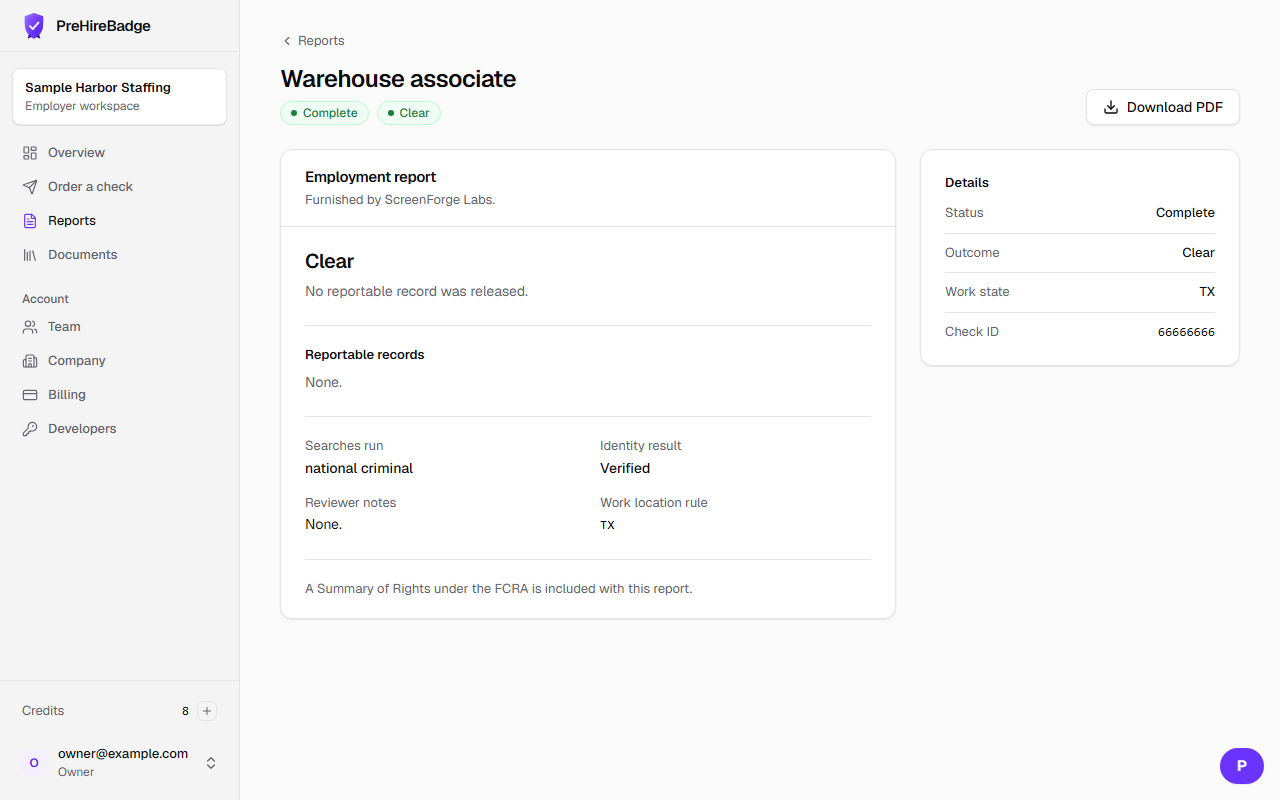
An employment report lists what ScreenForge Labs released. It does not tell you to hire or not hire.
Who it is for. Owners, admins, and teammates who were granted report access.
- Open the check from the dashboard.
- Read the plain-language summary first.
- Then read each reportable record: court, case number, charge, level, disposition, dates, and source.
- Then read the searches that were run, the identity result, and any reviewer notes.
- The FCRA notices sit at the end of the same page and in the PDF.
The page never says pass, fail, or eligible.
Related: Download a report PDF. For a longer product tour, take Employment background checks explained in the Academy.