

The PDF is the same report as the check page, saved as a file you can keep with the hiring record.
Who it is for. People who already have report access.
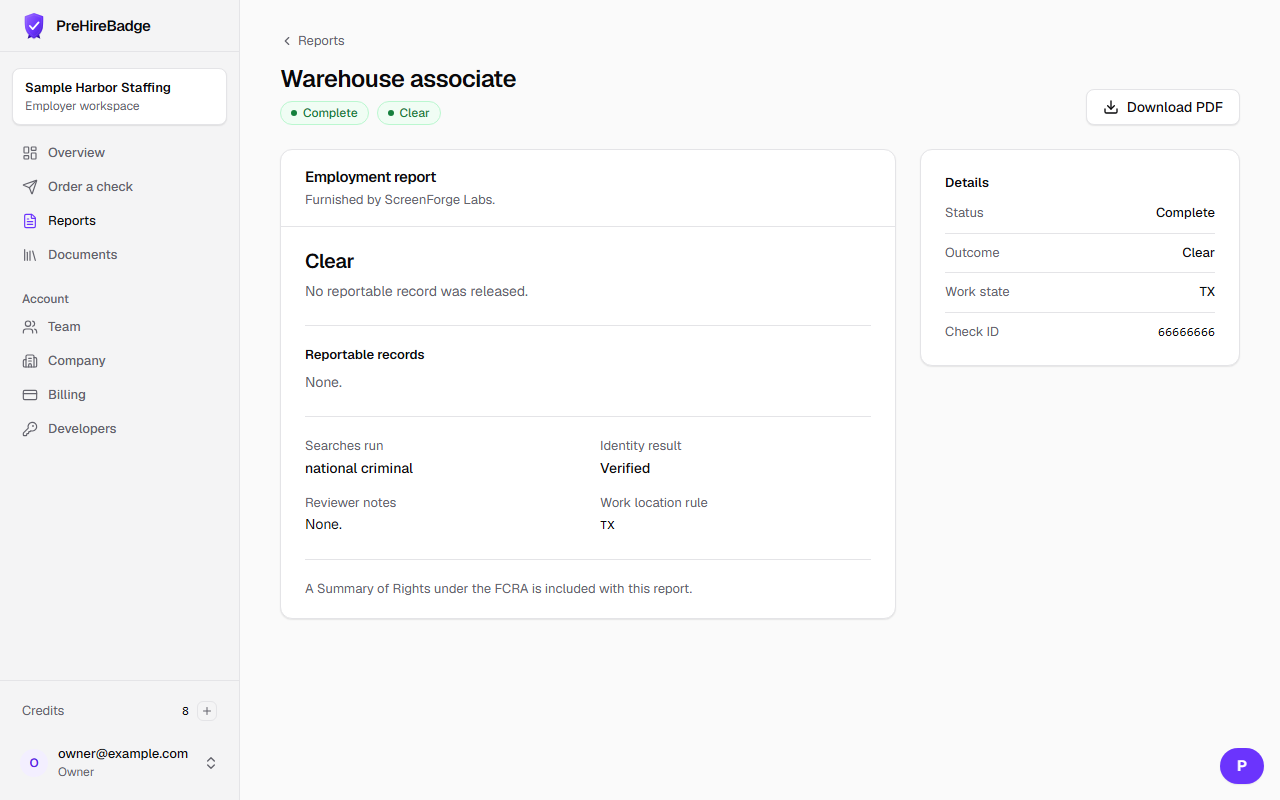
- Open the finished check.
- Choose Download PDF. Leave the password blank, or set a one-time password so the file is encrypted.
- The file includes the summary, reportable records, searches, identity result, reviewer notes, and the FCRA notice line.
The PDF does not say pass, fail, or eligible. A hiring manager without report access cannot download it.
Related: Read a report