

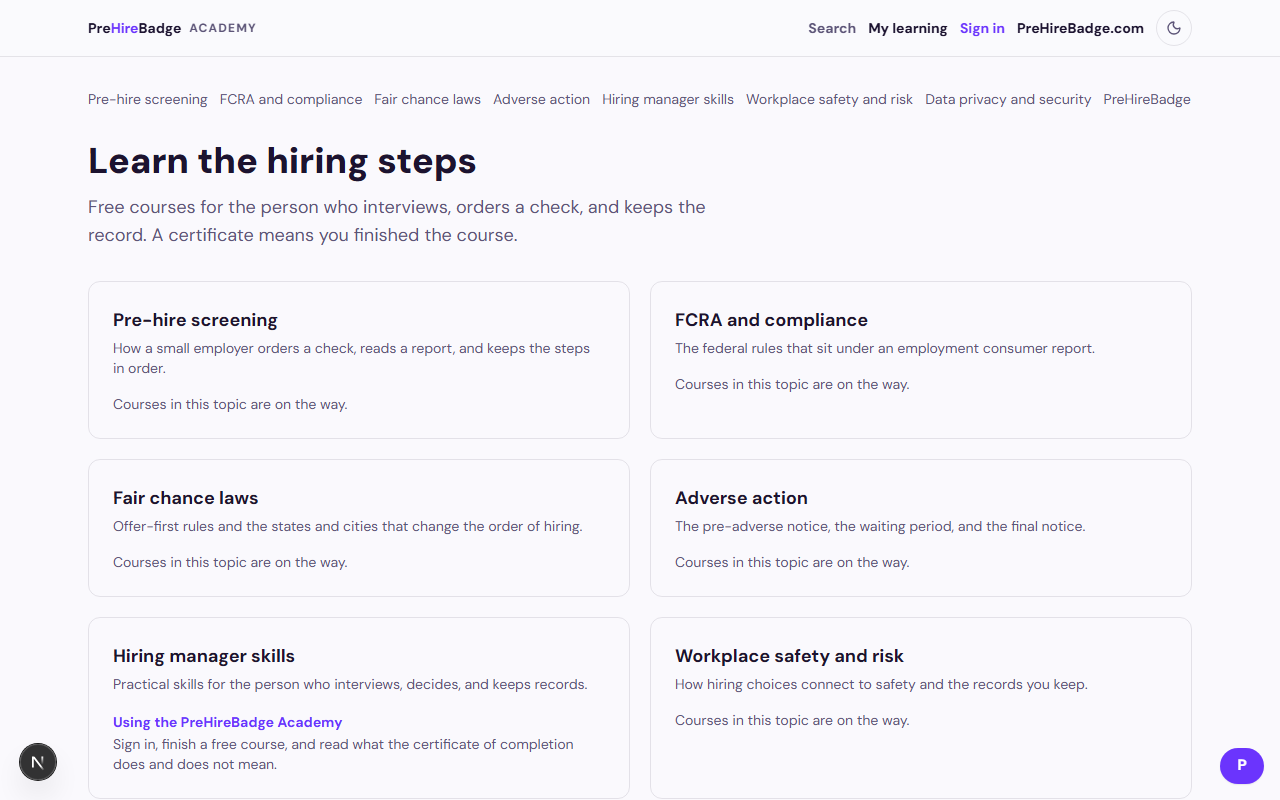
The Academy is free training for the person who hires. It lives at academy.prehirebadge.com and also at /academy on this site.
To take a course:
- Open the Academy and choose a course that is listed.
- Sign in with the email where you want the certificate. PreHireBadge sends a six-digit code.
- Read each module. Written feedback is practice. It does not set the score.
- Pass the ten-question exam at eighty percent.
- Enter the name to print, then download the certificate or open the public verify page.
The verify page shows the name, the course, the date, and the status. It does not show the email address or the exam answers. The certificate says it is a certificate of completion. It is not a professional license and it is not a legal credential.
The same PreHireBadge account signs in to the Academy and the employer dashboard. Each site keeps its own sign-in. Ordering a check still starts from the employer account.
Wave 1 courses are listed, including FCRA, adverse action, fair chance, consent, and assessment. The next five legal courses are listed too, as are the administrator certification, the hiring manager certification, structured interviewing, new-hire onboarding, and the employee handbook. The compliance certification stays off the public list until counsel approves it. The flagship is Background checks for small employers, start to finish. A legal course that is still in review stays off the public list and returns a not-found page. Start with Pre-hire screening fundamentals, FCRA for employers: the basics, or Creating a background-check policy.