

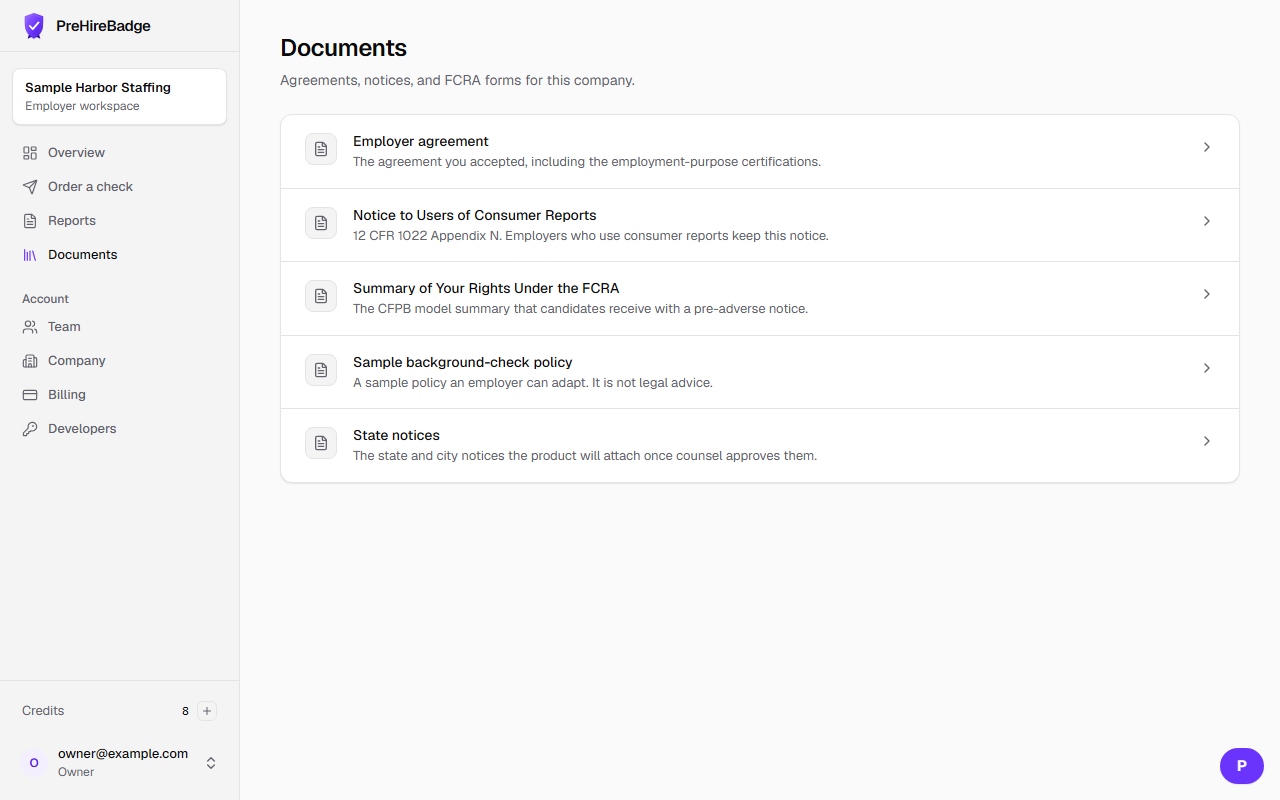
The documents library is where the employer reads the agreement and the notices that go with a report.
Who it is for. Anyone on the company account.
- Open Documents from the dashboard.
- Open the signed employer agreement to see the version and the document fingerprint.
- Open Notice to Users of Consumer Reports. The owner also acknowledges that notice during signup, and a copy is emailed when the account is created.
- Open the Summary of Your Rights Under the FCRA. The candidate copy is the CFPB model form.
- Use the sample background-check policy only as a starting point. State notices stay marked draft until counsel approves them.
Notices are not stored in a public file of personal data
The library is part of the signed-in app. It does not publish candidate reports.
Notice to Users: 12 CFR 1022 Appendix N. Summary of Rights: CFPB model form. See the agreement. The Academy course Candidate consent and disclosure, done right is listed in the Academy now.